
Upload the source video
The system identifies each person in the clip.
AI Video / Character Mapping
Replace people in the video while preserving the original shots, movement and sound.
hotel_lobby.mp4 · MP4 / MOV / WEBM
hotel-lobby-source.mp4
Up to 4 images; hover to manage each reference
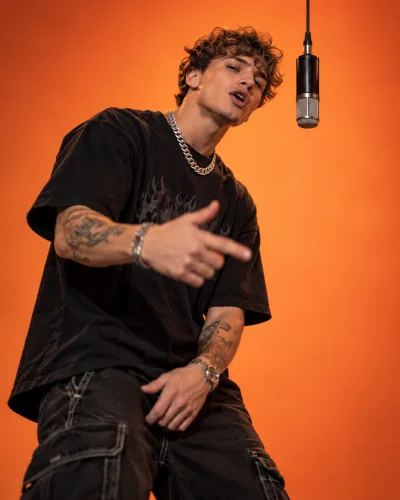
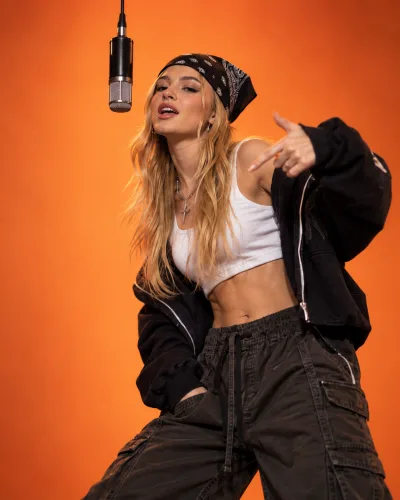
1462 credits · 1080P · adaptive
Change identities without rebuilding the scene, camera, movement or sound.
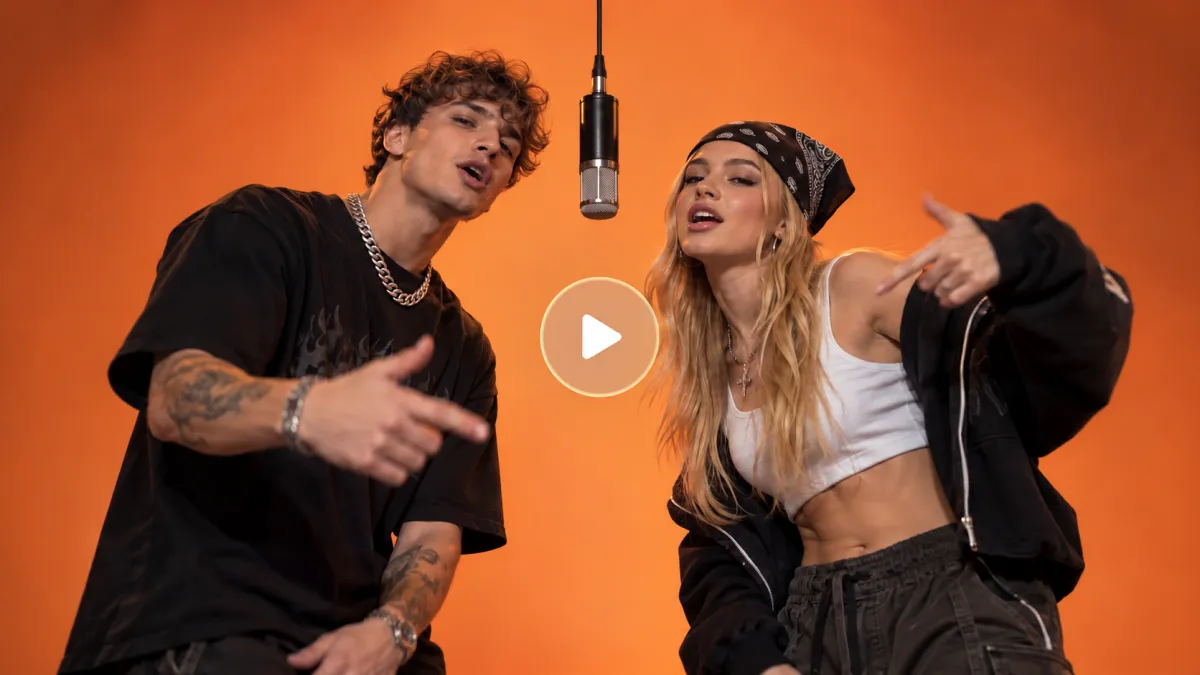
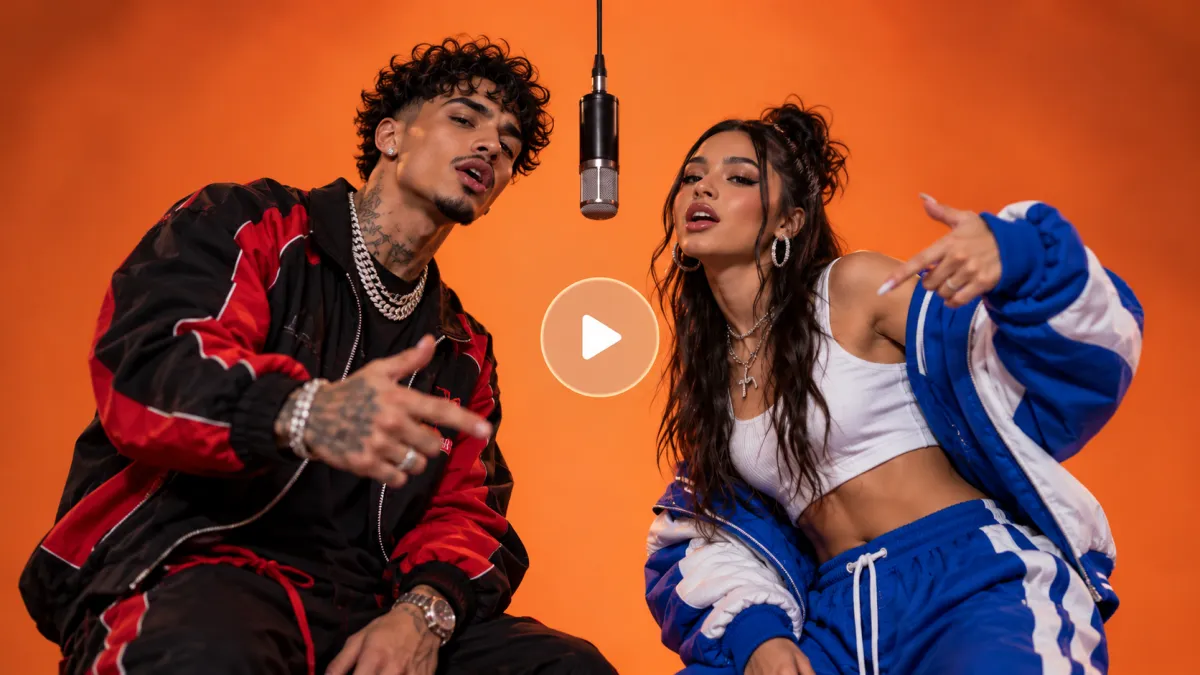
The system identifies each person in the clip.
Match every detected person with a clear portrait.



Preview the finished video and download it in HD.
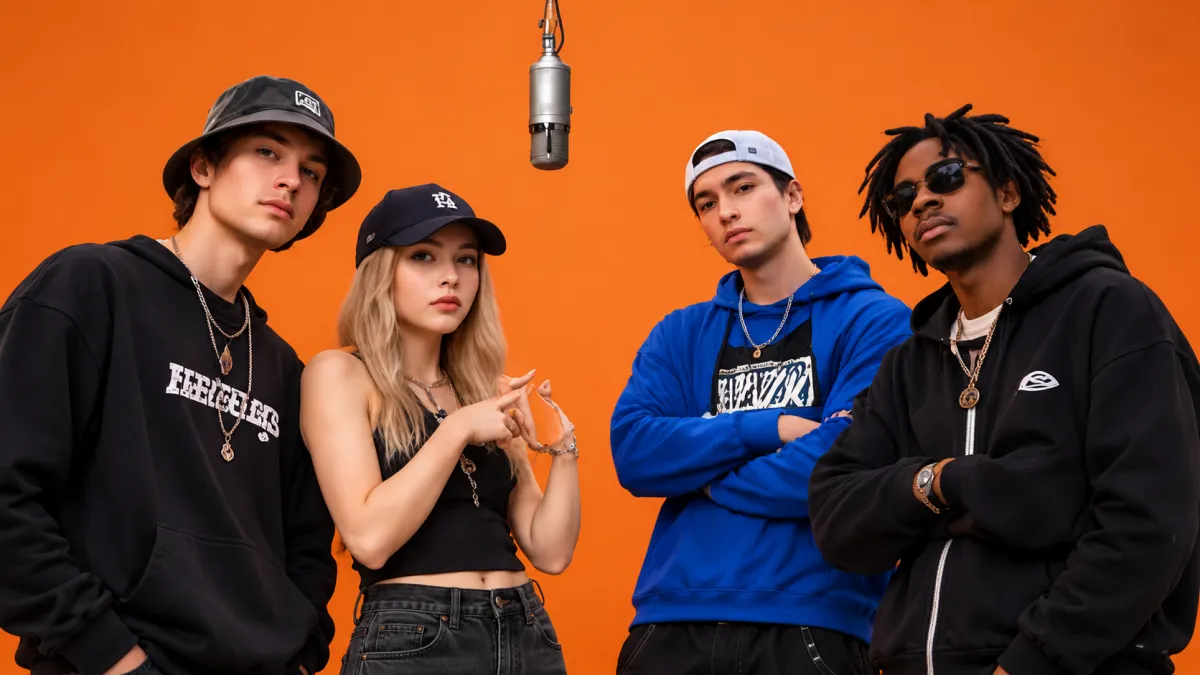
The system detects each visible person so every identity can be mapped independently.
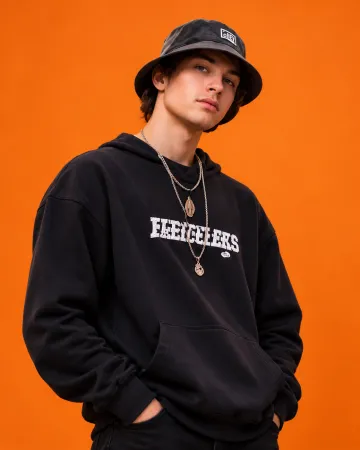
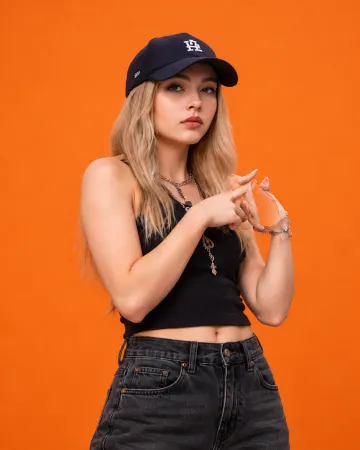
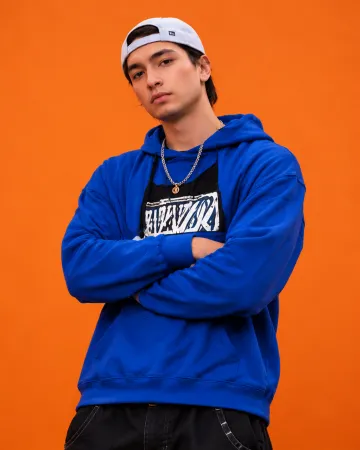

Only the selected identities change. Everything that makes the source work stays intact.
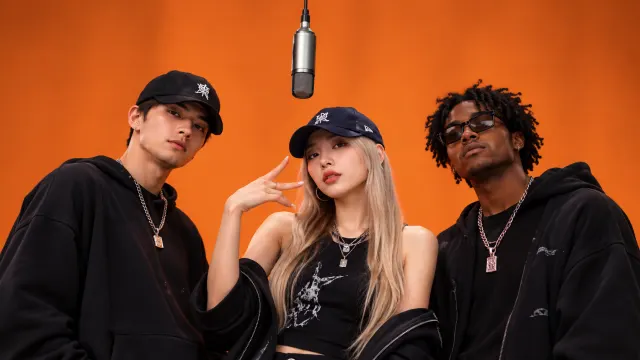
Keep the location, lighting and composition.
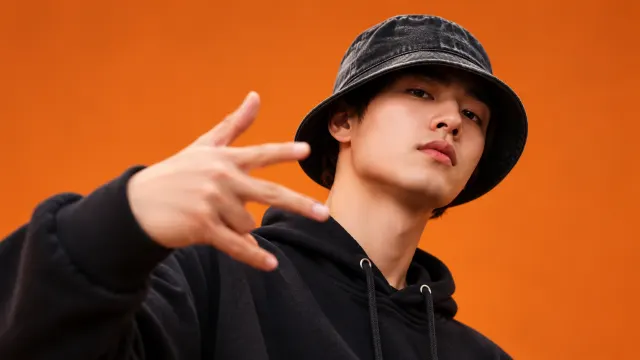
Retain the source camera path and perspective.
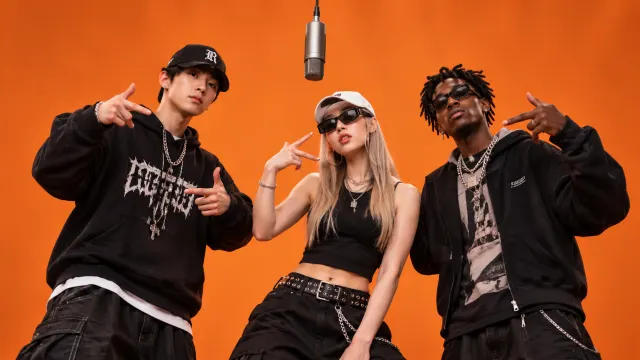
Preserve timing, gestures and interactions.
Keep speech, music and pacing aligned.
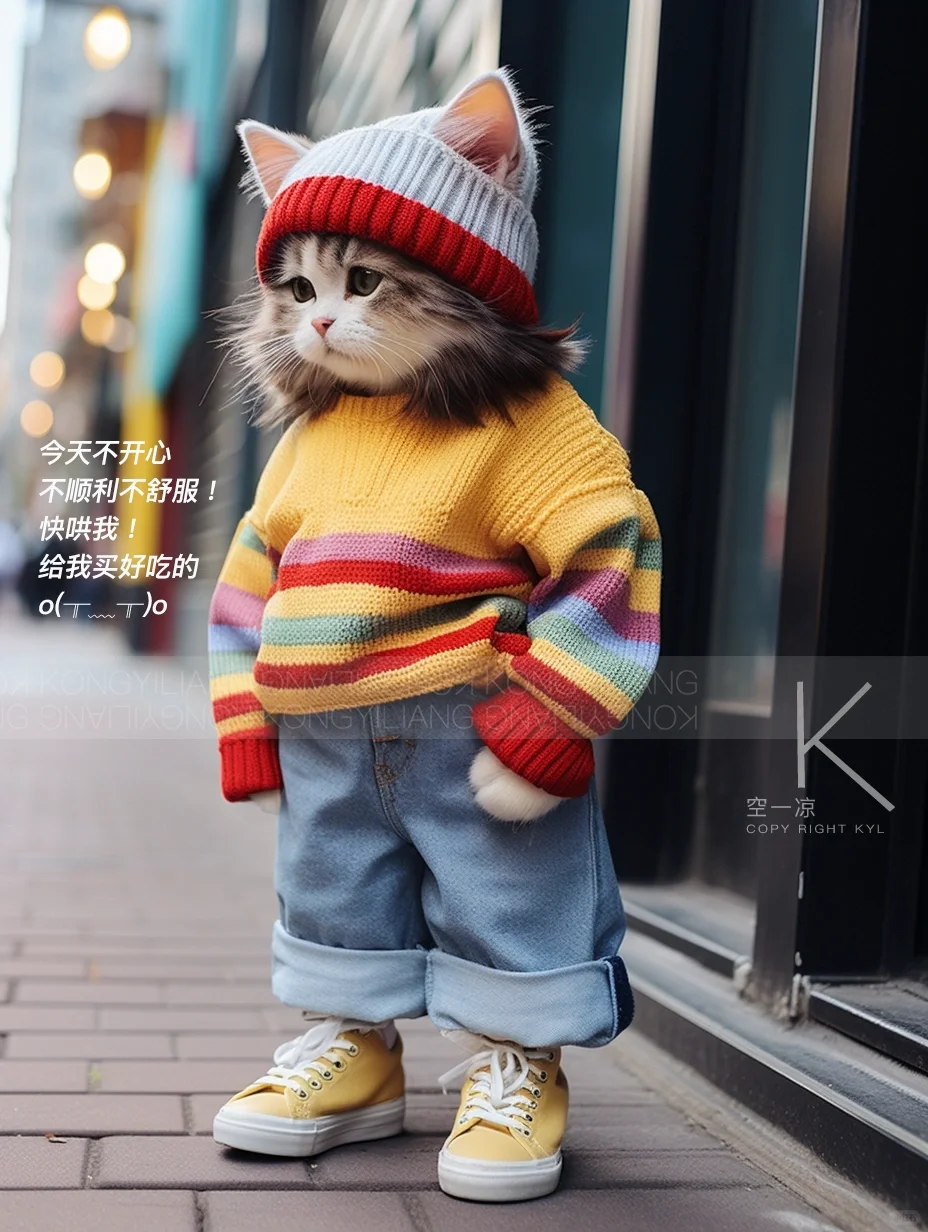
From real people to pets, map every role from the source video.
Upload the source video and the system identifies each role, then maps the pet references one by one. The result preserves the scene, camera, interaction and audio rhythm.
Original reference

Original reference
The interface supports multiple detected people. This Hotel Lobby template uses two mapped roles.
Yes. Original dialogue, music and overall pacing are preserved.
Use a clear, front-facing or three-quarter portrait with one visible subject.
Results depend on pose, lighting and occlusion. Clear portraits usually produce stronger identity consistency.
Upload two reference portraits and create your Hotel Lobby AI video.