01AI transformation showcase
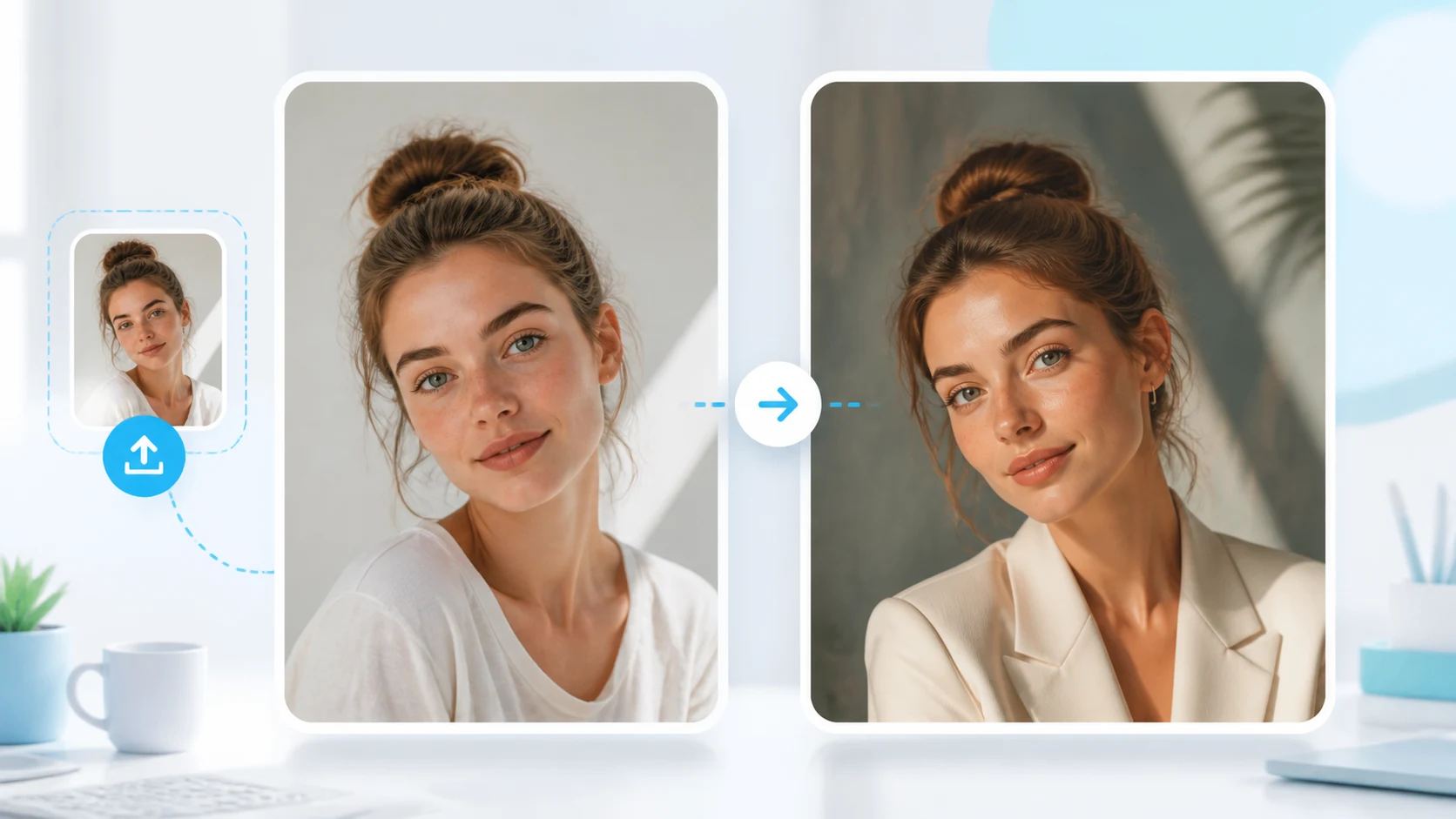
Photo to cartoon style
Upload a real portrait and create a clear, natural cartoon version that still feels like you.
Face-preservingClean cartoonSocial avatar
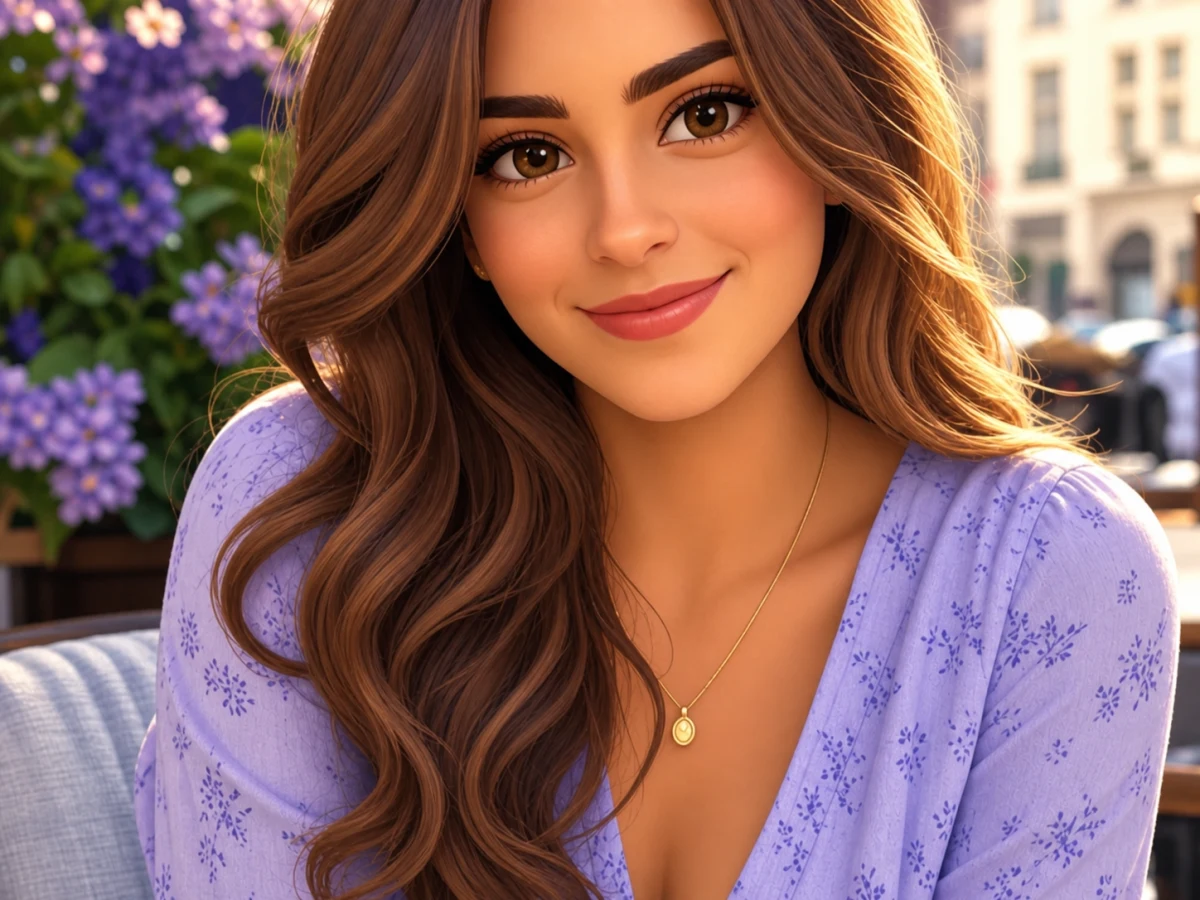
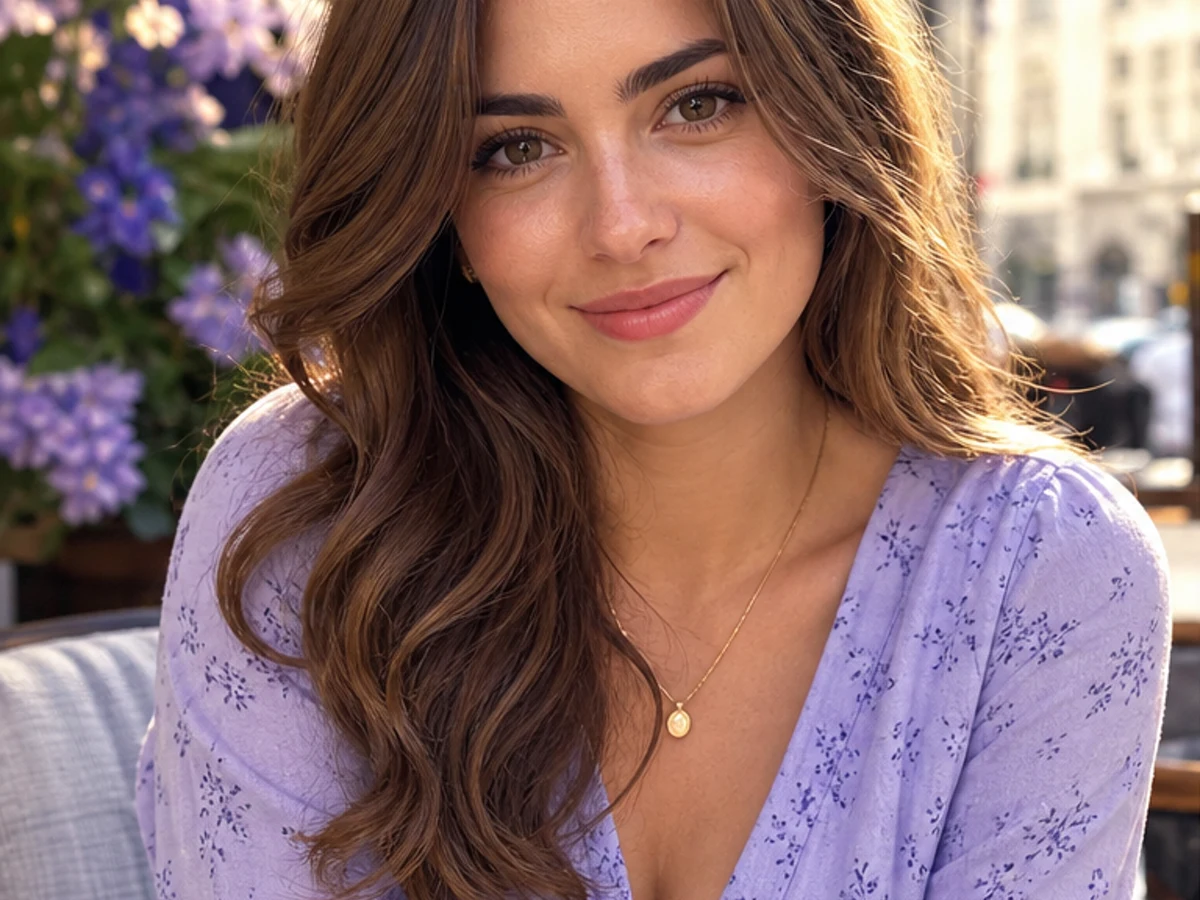
Original
Cartoon style

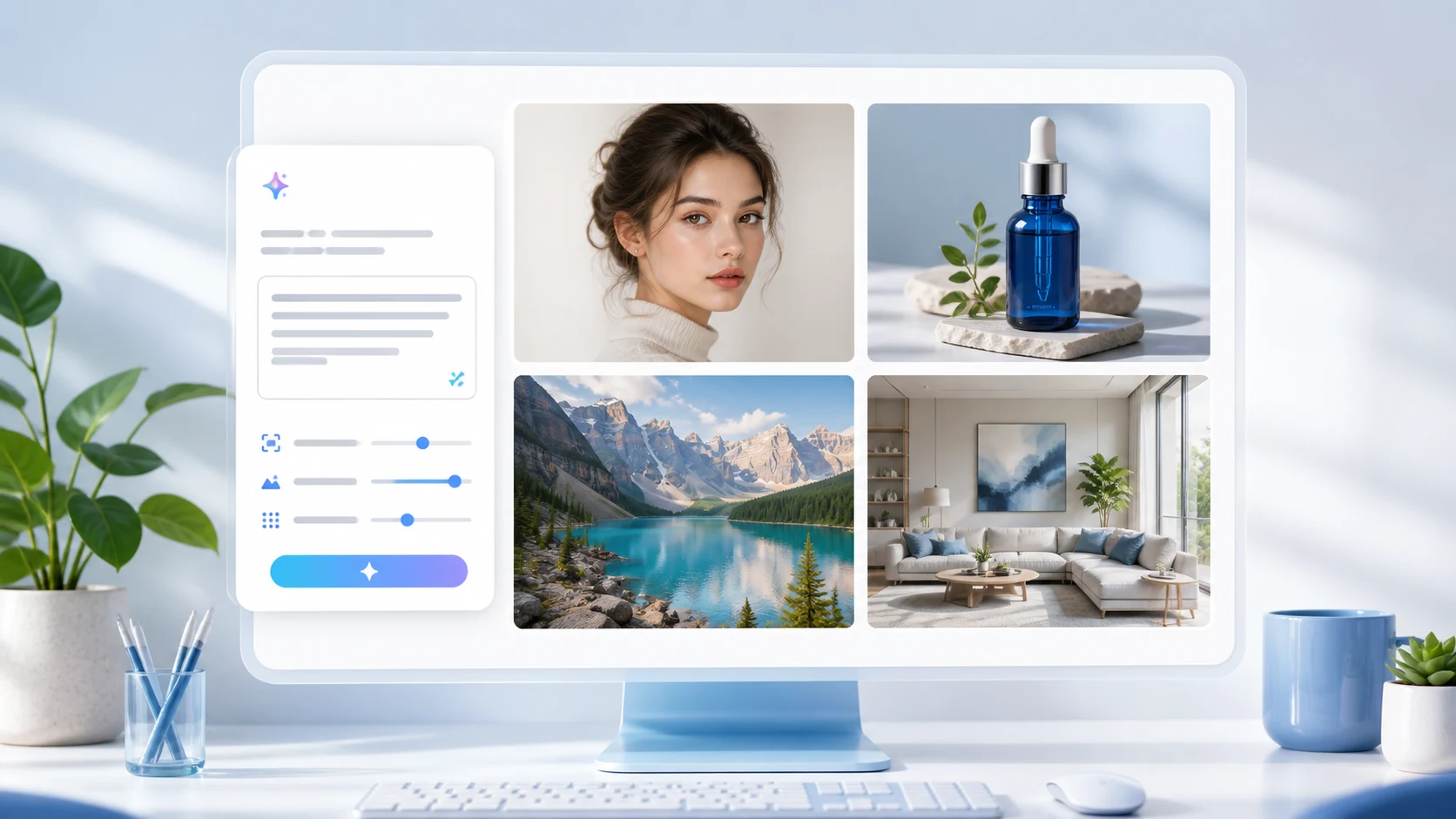
AI visual creation workspace
Generate images, edit portraits, create product photos and videos, and get smarter creative suggestions from AI.
Start from a goal, a tool, or a template. Every entry opens the same workspace with the right defaults.
AI Image Generator
Create polished images from text or references with presets for portraits, products, posters, and social content.
Text to Image
Turn short creative ideas into complete visual prompts and generate production-ready image variations.
Image to Image
Upload a reference image, preserve the subject, and create new styles, scenes, or compositions.
AI transformation showcase
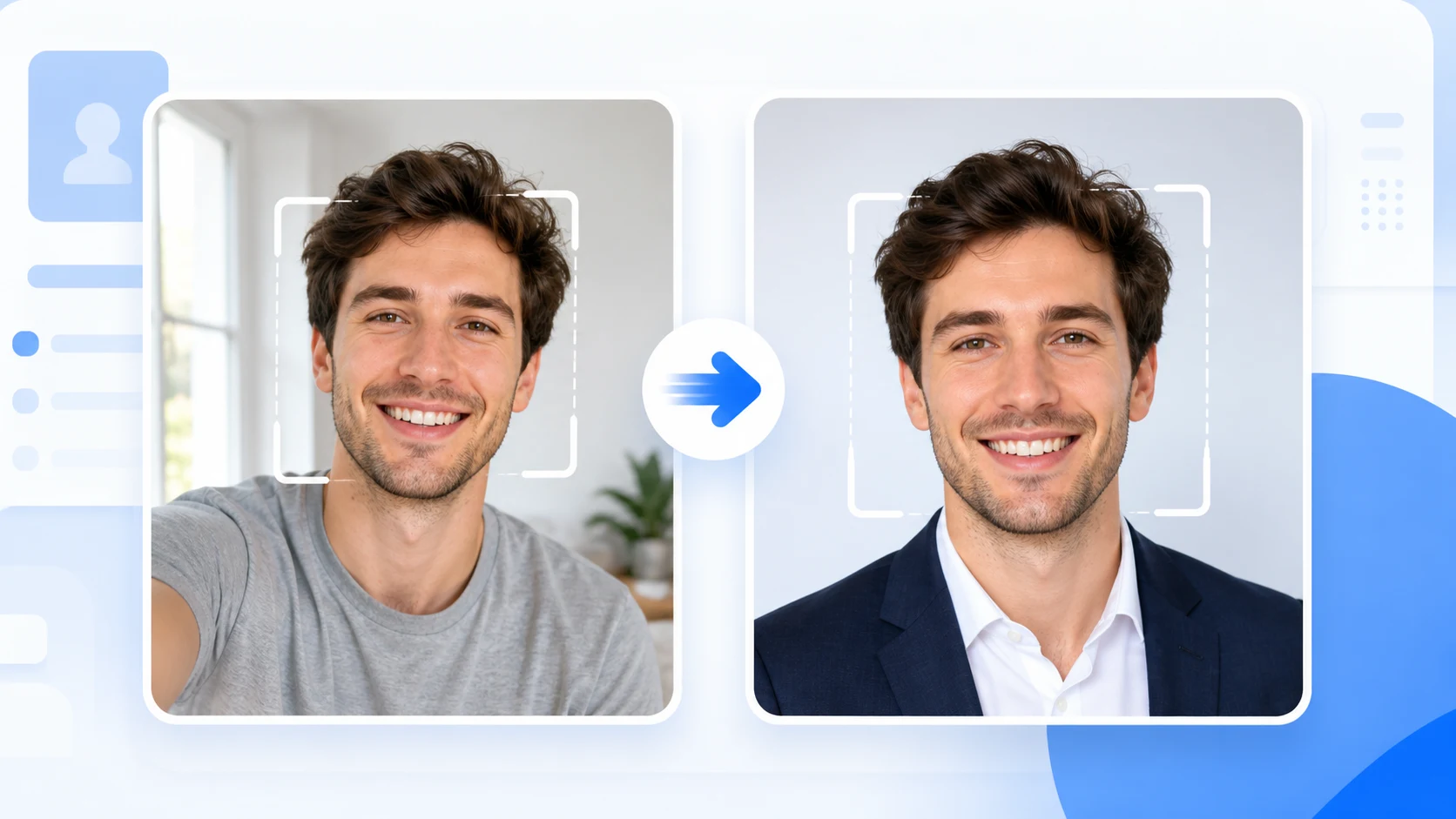
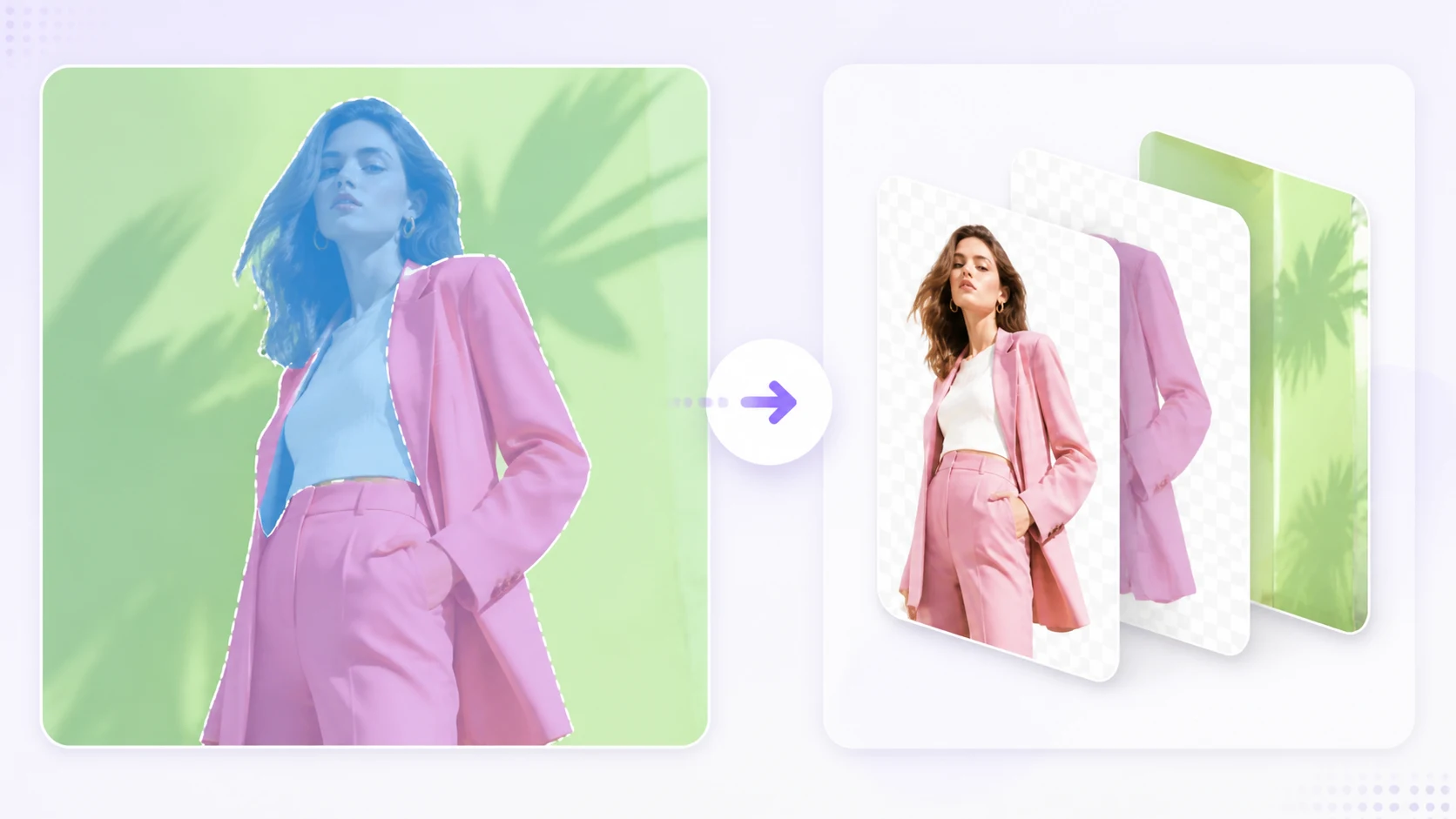
Scroll through the core AIVision portrait workflows. Each card shows the original input beside a generated result so the transformation is visible before you upload.
Upload a real portrait and create a clear, natural cartoon version that still feels like you.
Turn a portrait into a warm, cinematic animated scene with soft color and storybook atmosphere.
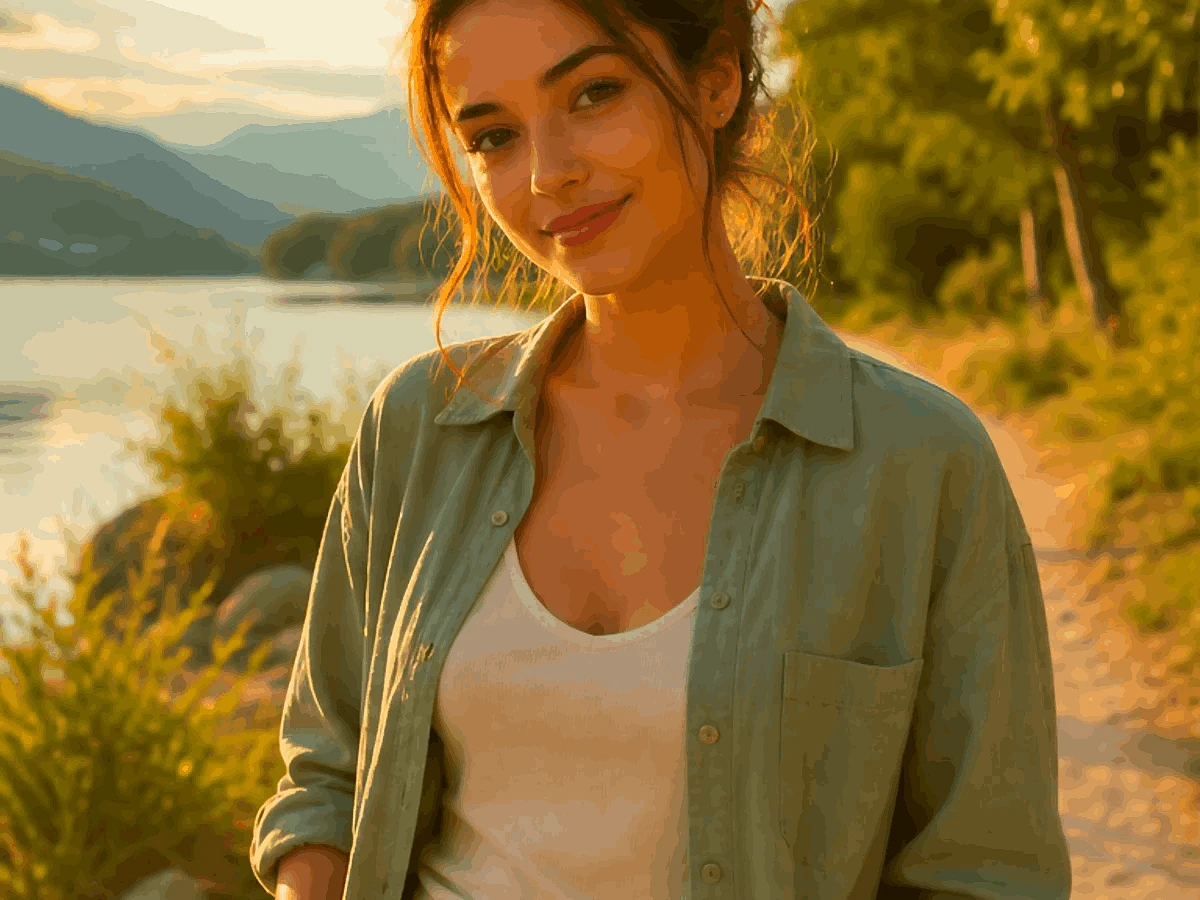
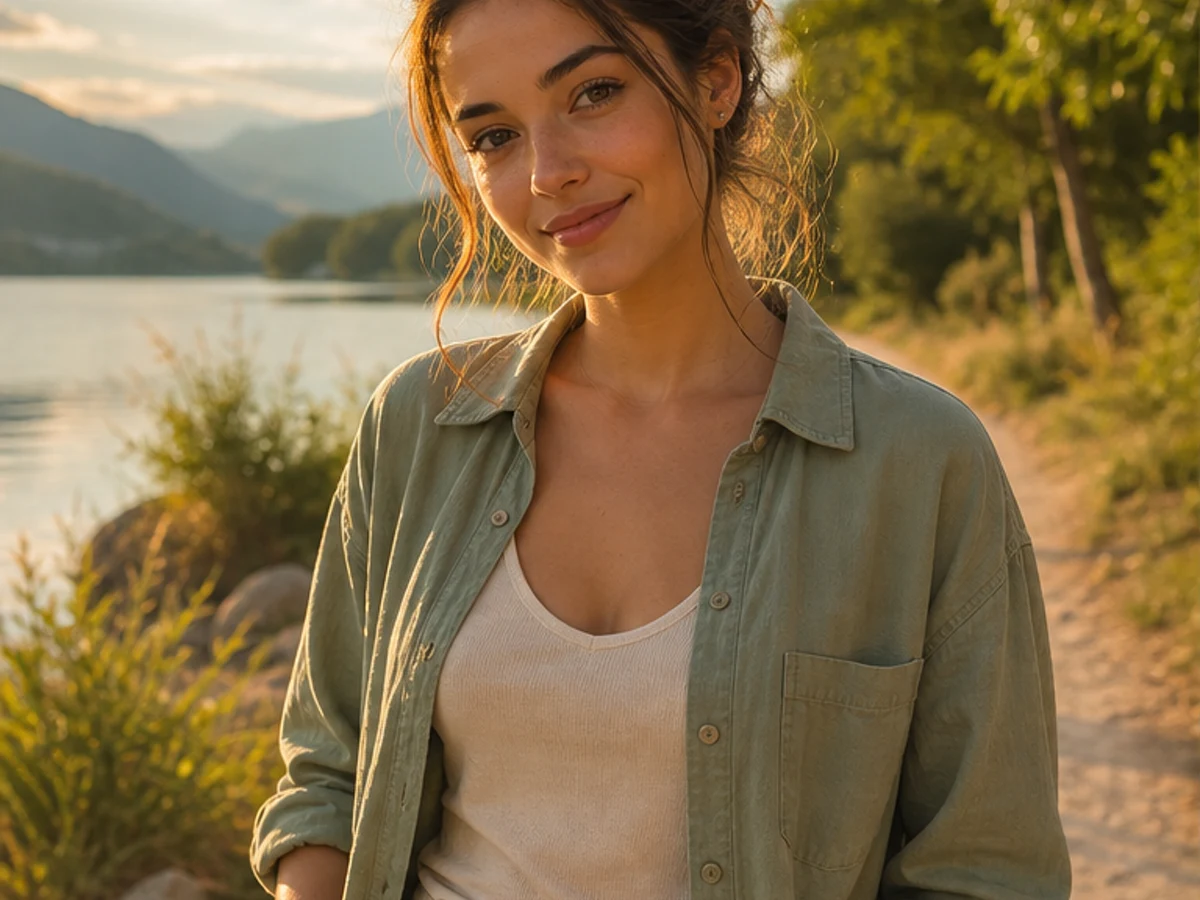
Upload a real portrait and create a clear, natural cartoon version that still feels like you.
Turn a portrait into a warm, cinematic animated scene with soft color and storybook atmosphere.
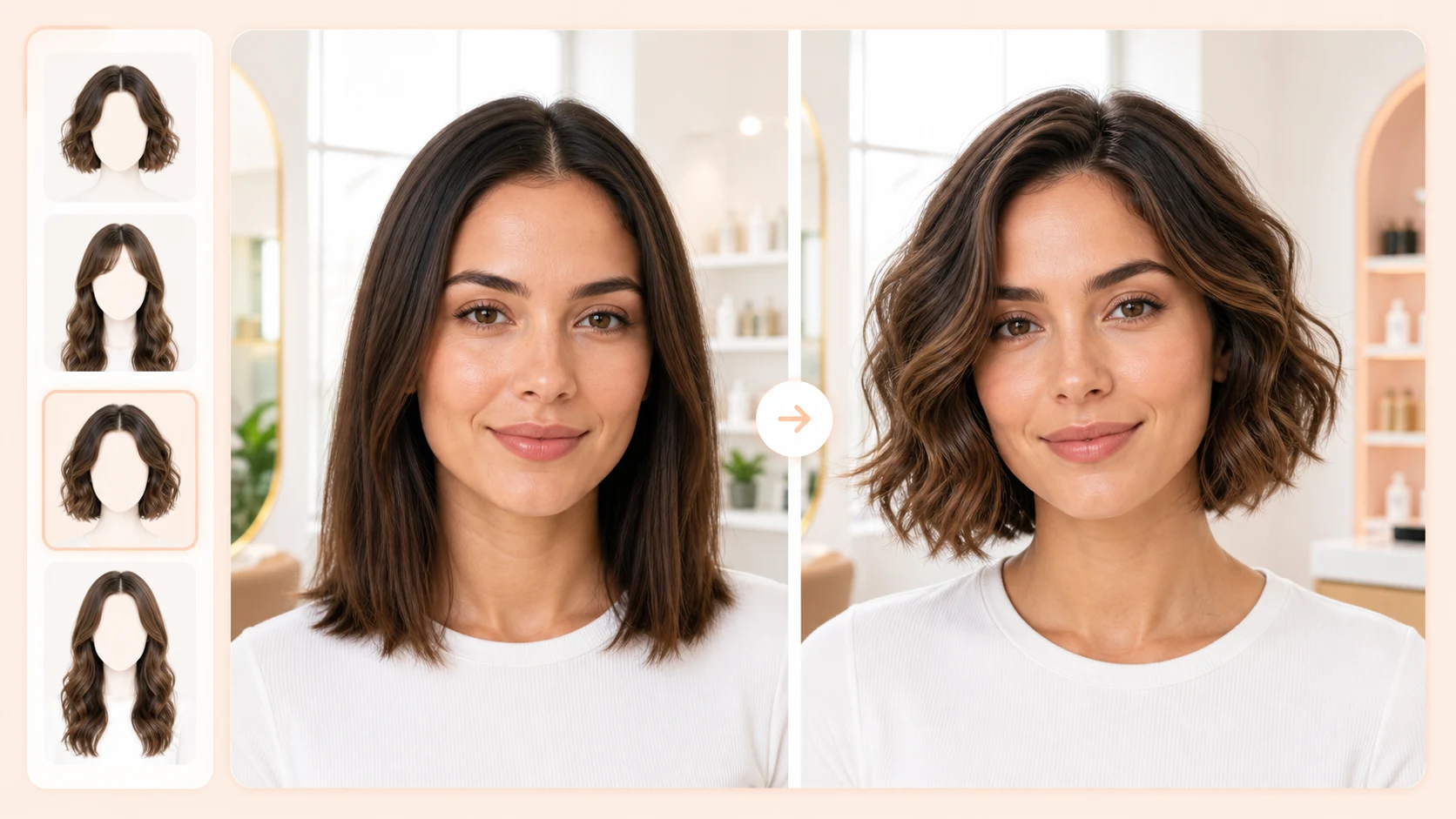
Analyze face shape, facial proportions, and overall temperament to recommend more suitable hairstyles.
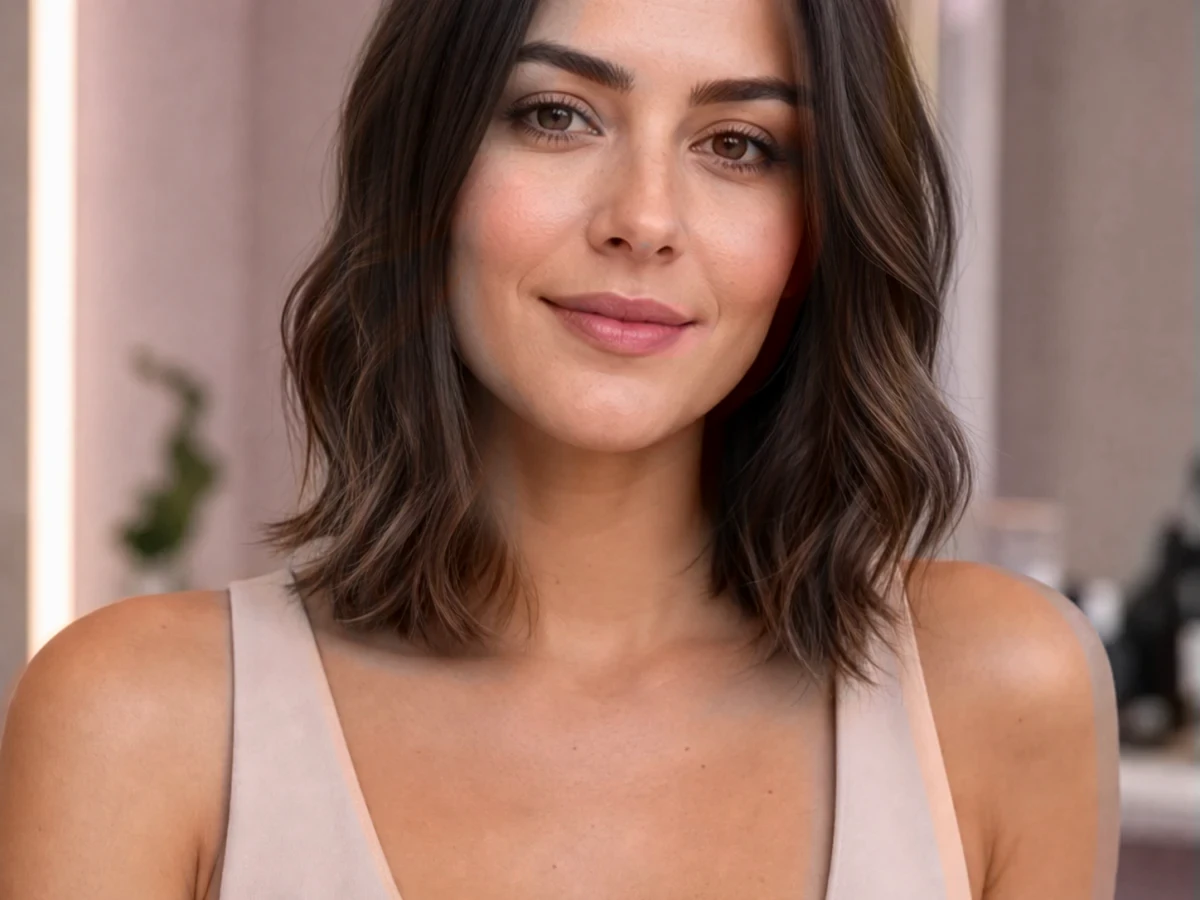
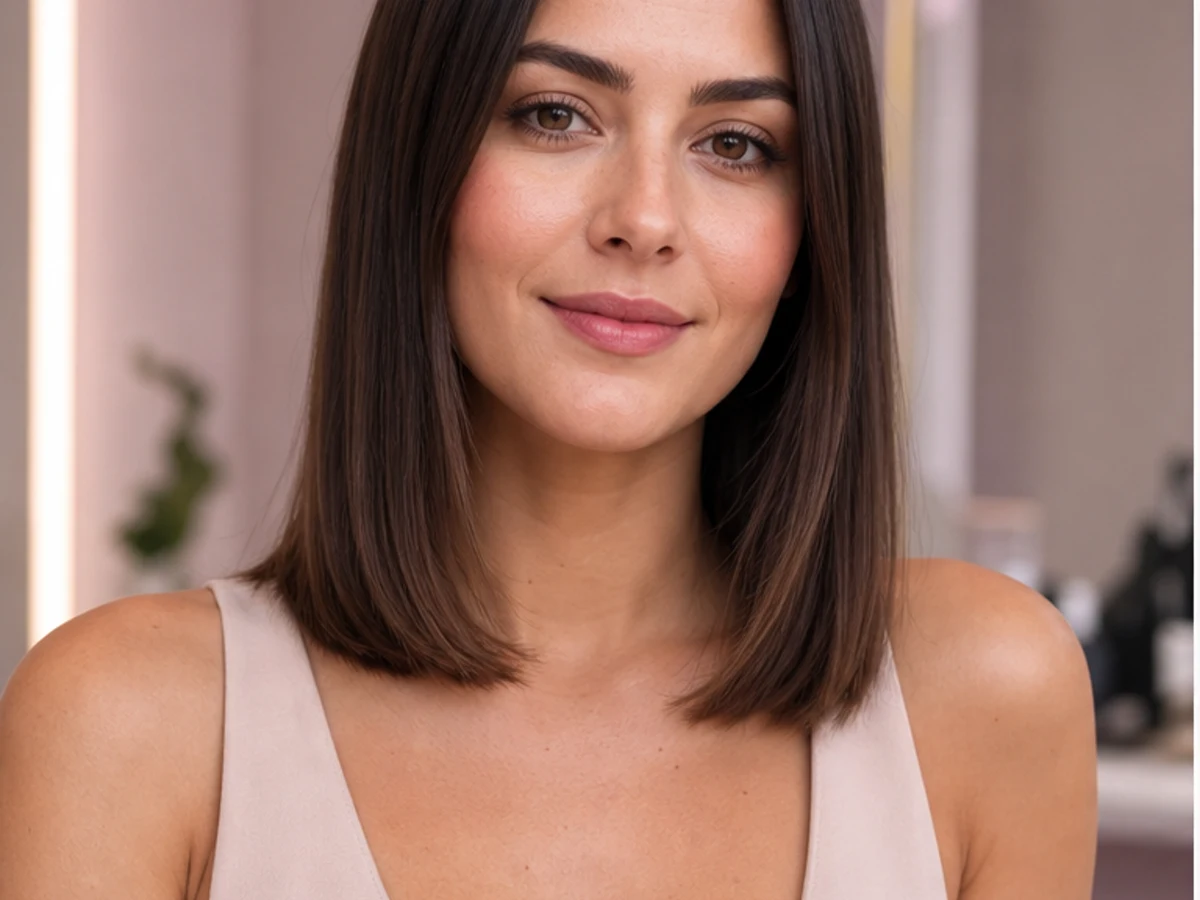
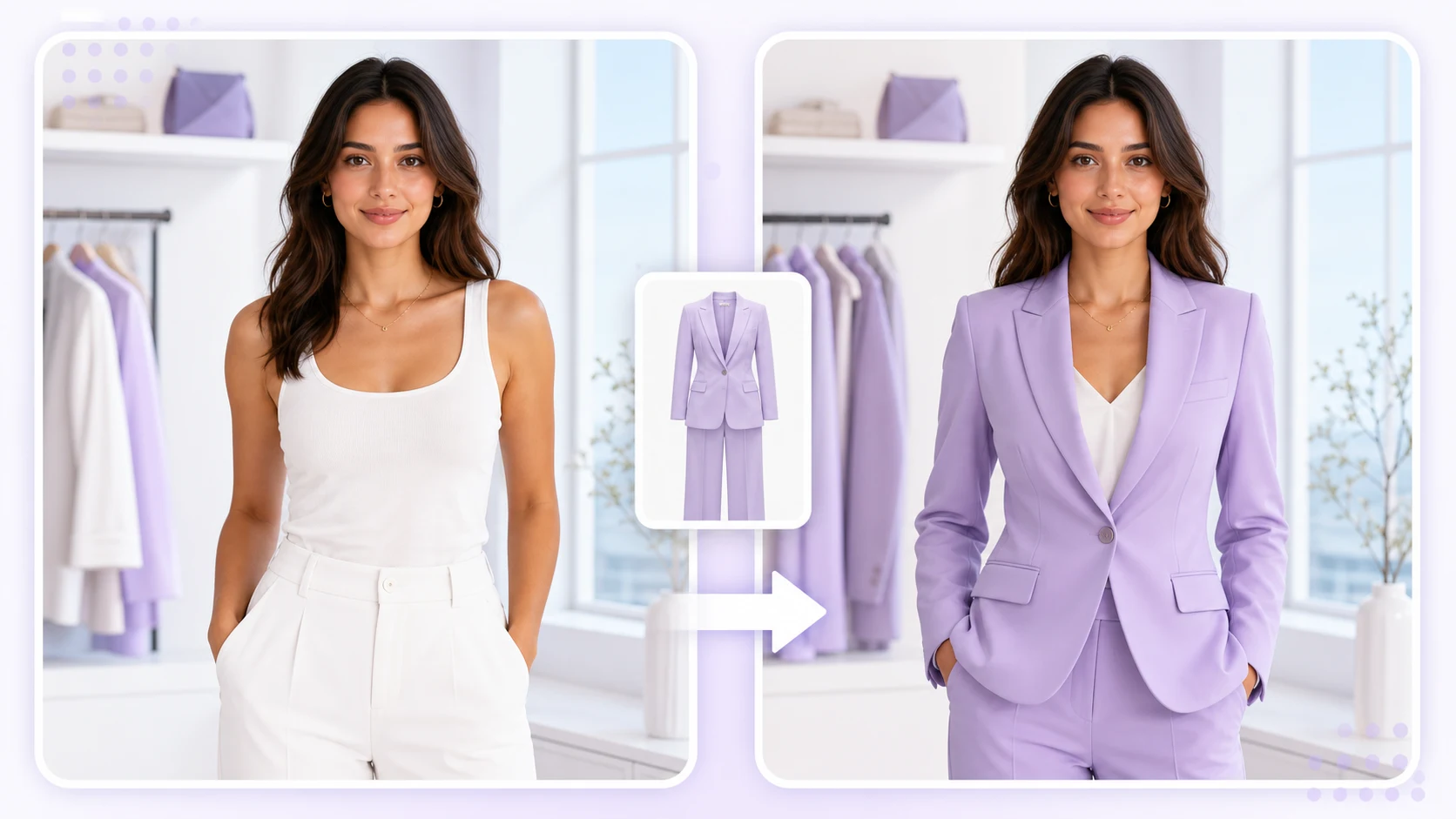
Try different outfit directions from one uploaded photo and quickly compare styles before a shoot or post.

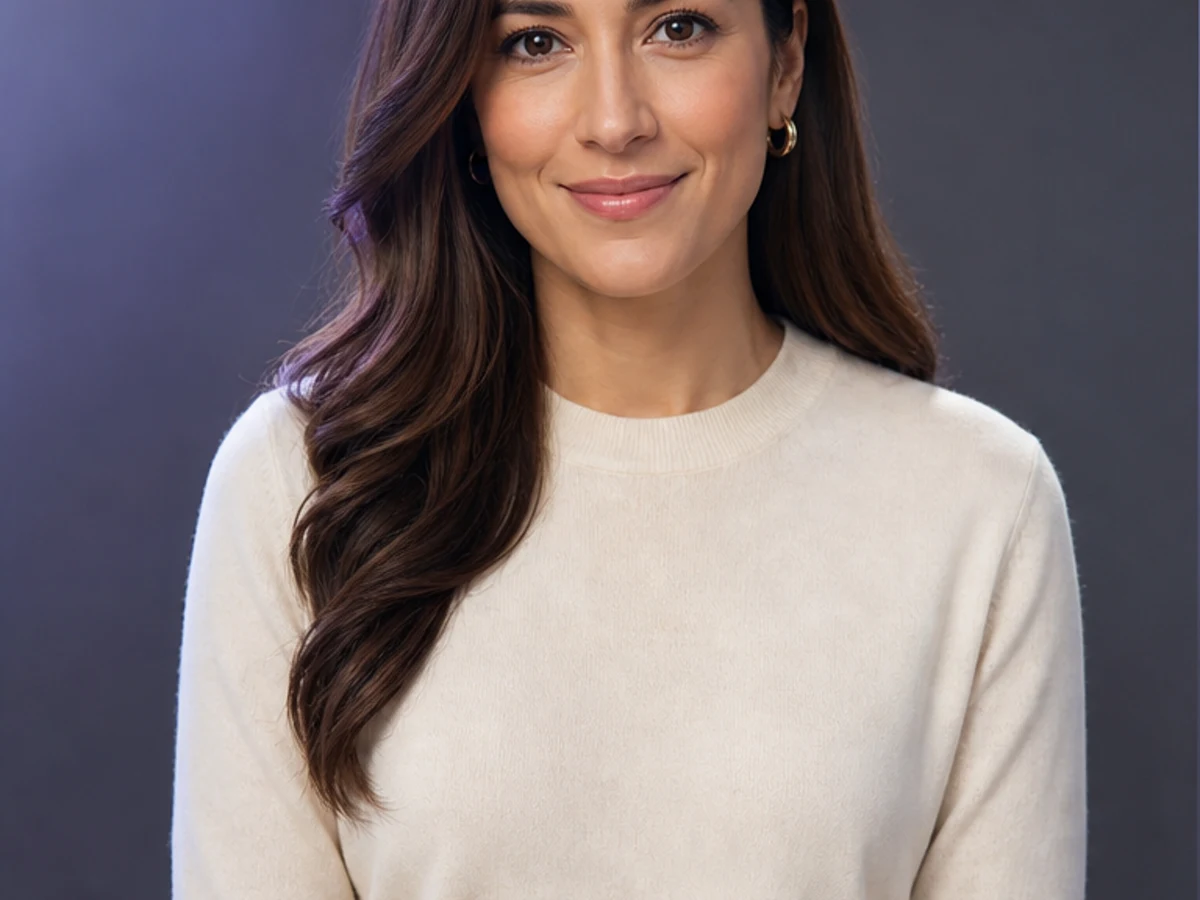
Generate professional, social, and creator-ready avatar styles from a single portrait.

AI Image
Text-to-image and image-to-image
Try nowAI Video
Text or image to video
Try nowImage Editor
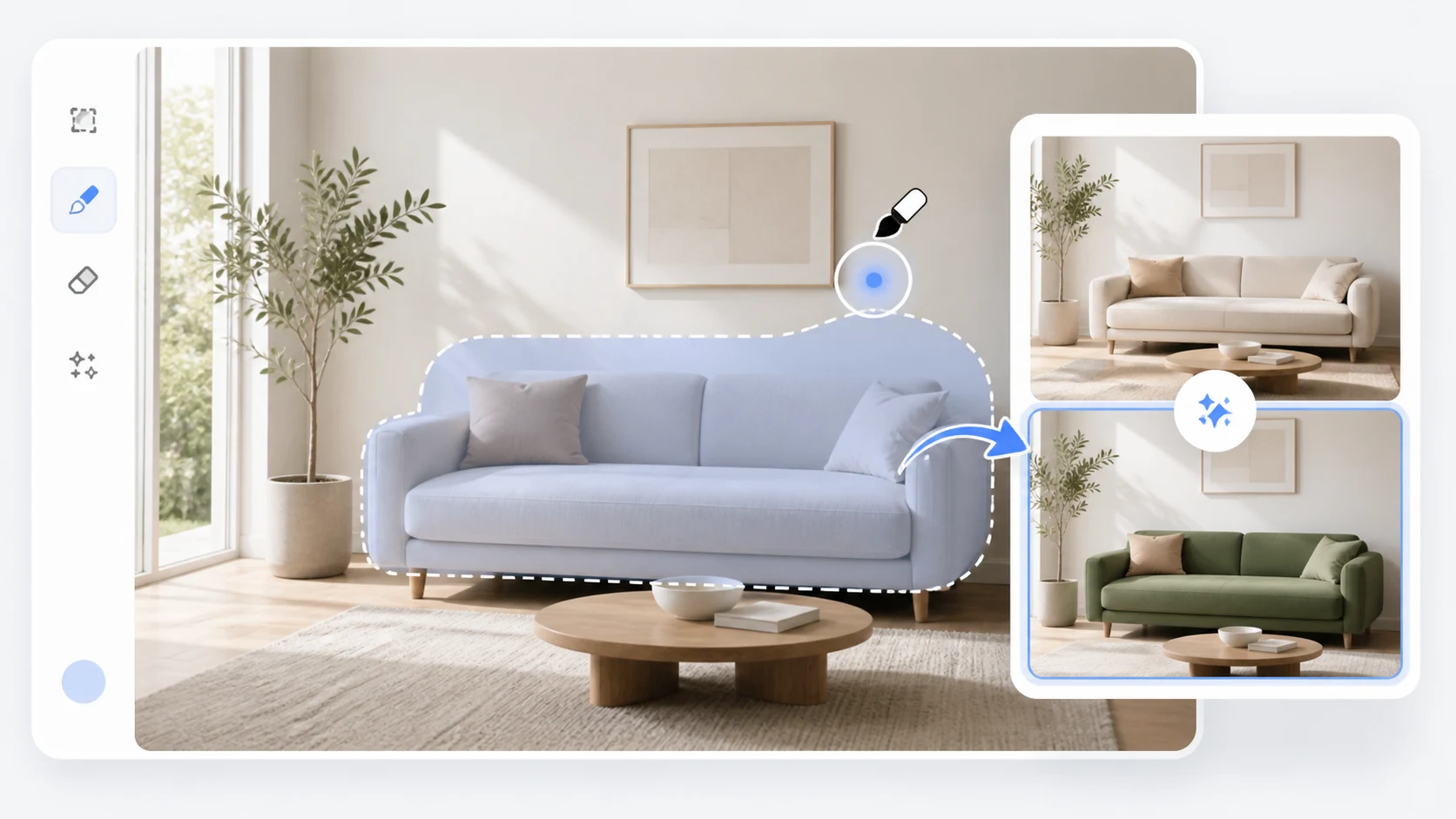
Crop, remove, erase, extend, and enhance
Try nowAI Clothes
Virtual try-on with face preservation
Try nowAI Hairstyle
Face-shape-aware hairstyle preview
Try nowProduct Photo
Commercial scenes and e-commerce images
Try nowHeadshot
Professional business portraits
Try nowMore Tools
All tools and experimental workflows
Try nowLoad prompt, ratio, style, and required uploads from a single template.
Portrait photography
2160 x 2880
Product display
2000 x 2000
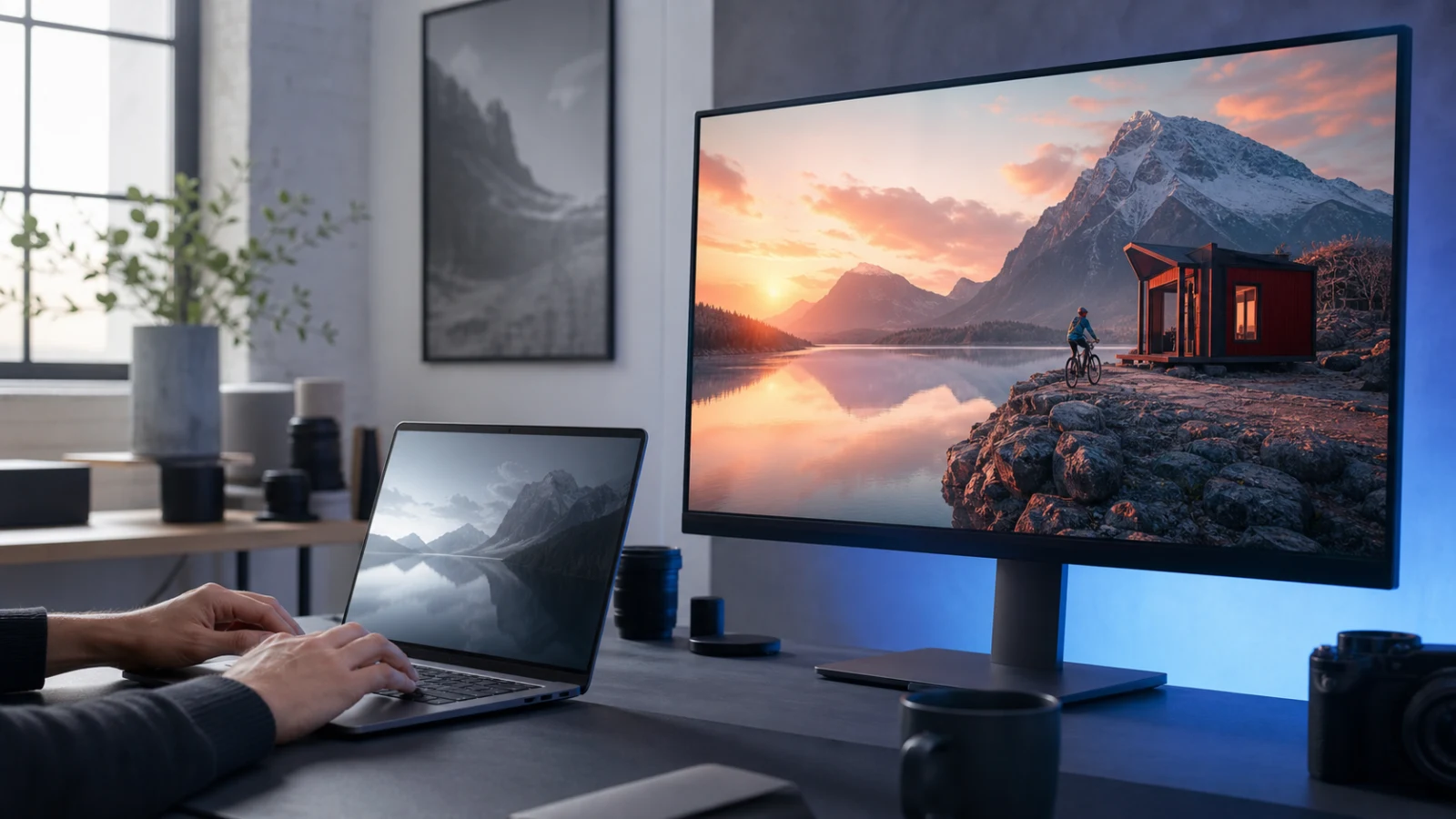
Scenic poster
3840 x 2160
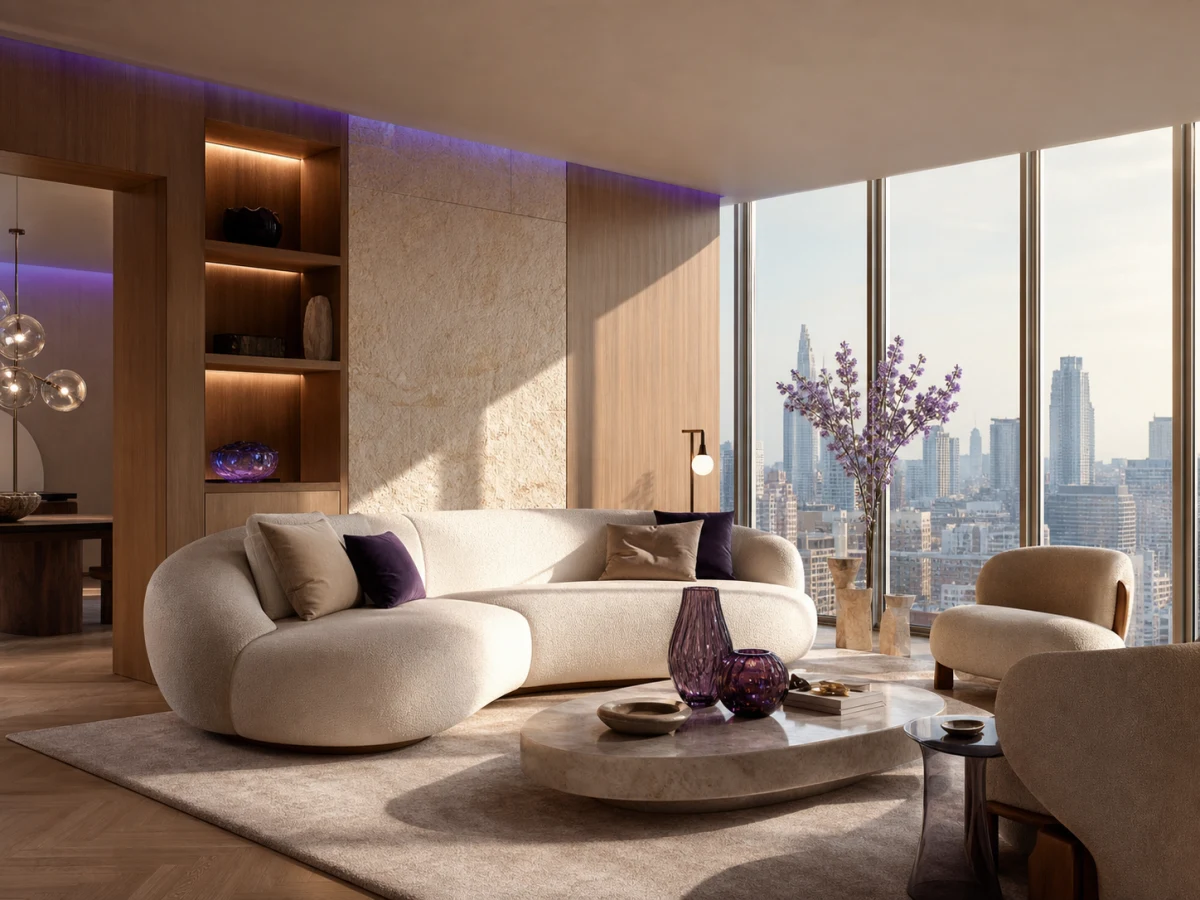
Interior concept
3000 x 2000
Tool recommendation
AI routes your goal to the right creation mode.
Identity preservation
Portrait tools prioritize face and subject consistency.
Product accuracy
Commercial flows protect packaging, shape, and details.
Editable results
Continue into background removal, outpainting, and editor tools.
Project library
Every upload and generation is organized in one workspace.
Creative assistant
Get prompts, model choices, and workflow guidance.
Describe the goal
Tell AIVision what you want to produce or upload a reference.
Pick a tool and template
Use recommended presets or adjust model, style, and ratio.
Generate and keep editing
Save outputs, create variations, or continue in the editor.
Representative outputs for portrait, product, poster, and video workflows.
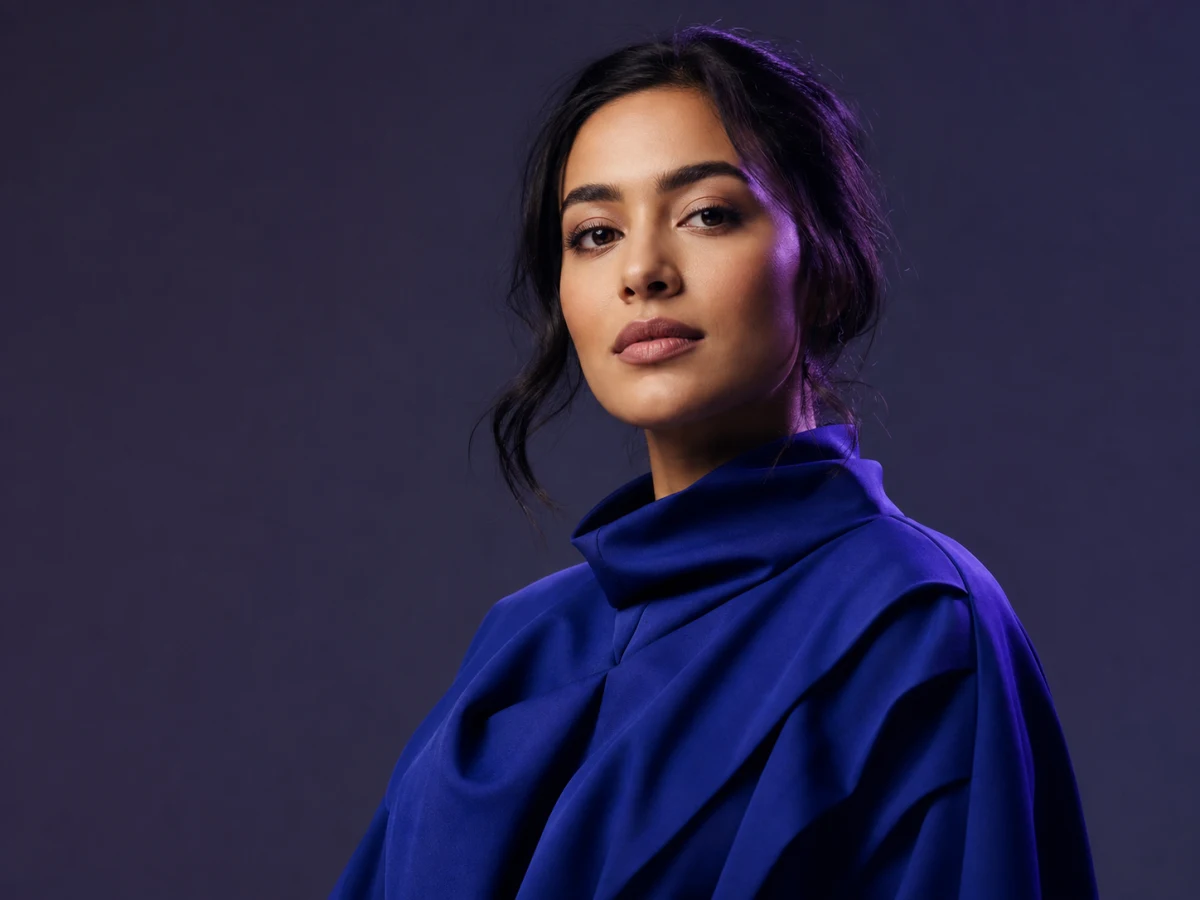
Portrait enhancement
JPG
Product scene upgrade
PNG
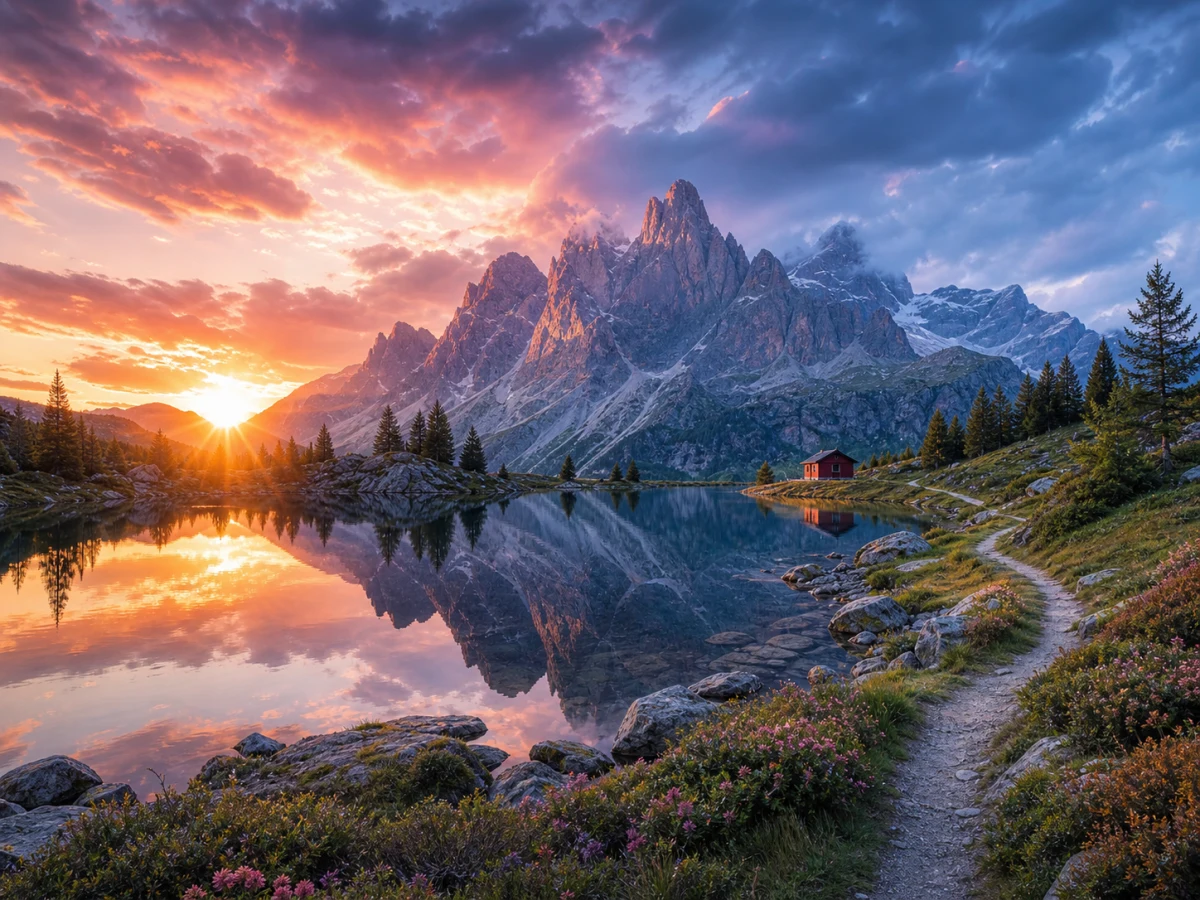
AI landscape poster
JPG
Interior design concept
PNG
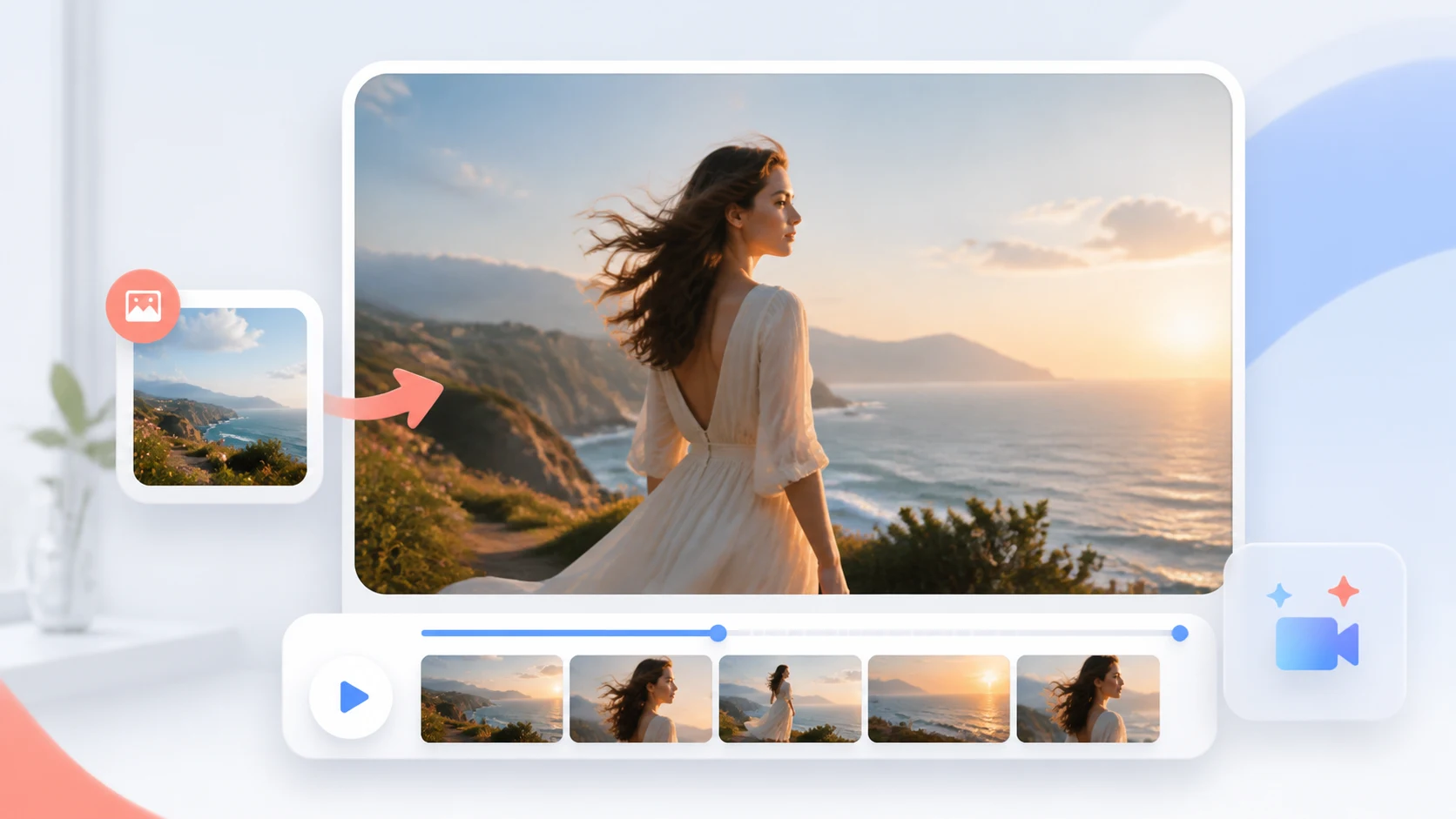
AIVision brings image generation, reference-based editing, portraits, virtual clothing and hairstyle previews, product scenes, background removal, image extension, and video workflows into one workspace.
Commercial use depends on your source material, prompt references, selected model, and applicable terms. Review third-party copyrights, trademarks, likeness permissions, and destination-platform rules before publishing.
Some workflows are designed to connect uploads and results with workspace features such as projects, history, and the asset library. Review the current privacy policy before submitting sensitive or confidential material.
Generation tasks can use different credit amounts depending on the workflow, model, and settings. Check the amount shown in the workspace before submitting a task rather than assuming every tool costs the same.
Reference images guide the result, but exact preservation is not guaranteed. Inspect faces, proportions, packaging, labels, logos, hands, materials, and other identity-critical details before use.
Public image workflows currently guide users toward JPG, PNG, and WEBP inputs. The available formats and limits can vary by tool, so confirm the upload control before preparing a large batch.
AIVision is organized around a shared workspace where results can move into follow-up actions such as variations, editing, favorites, projects, history, or downloads when the selected workflow supports them.
A dedicated page explains the correct input, workflow, limitations, and related tools for one task. It also lets you open the workspace with a more relevant starting context.
Sign in, choose a tool, and keep every project, asset, and generation history in one workspace.