AIVision

AI Image

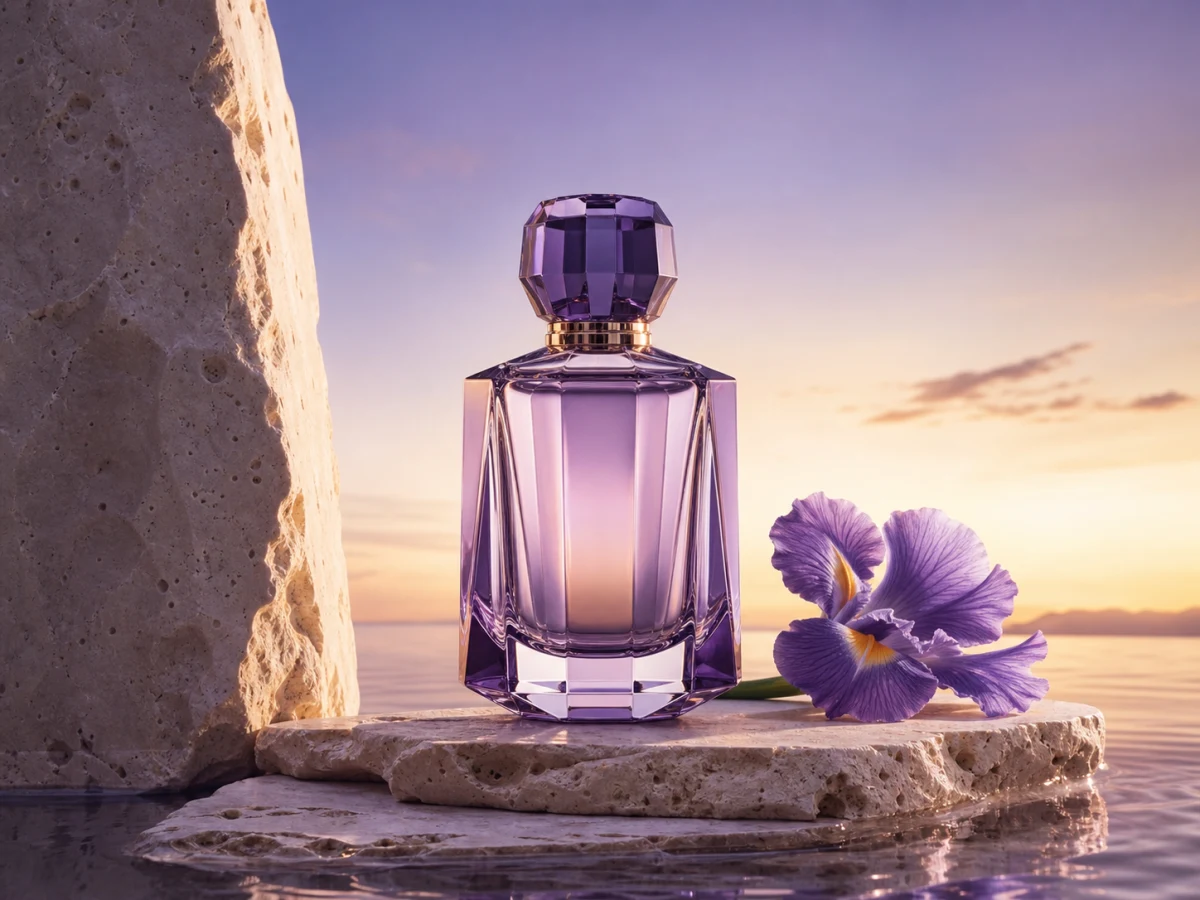
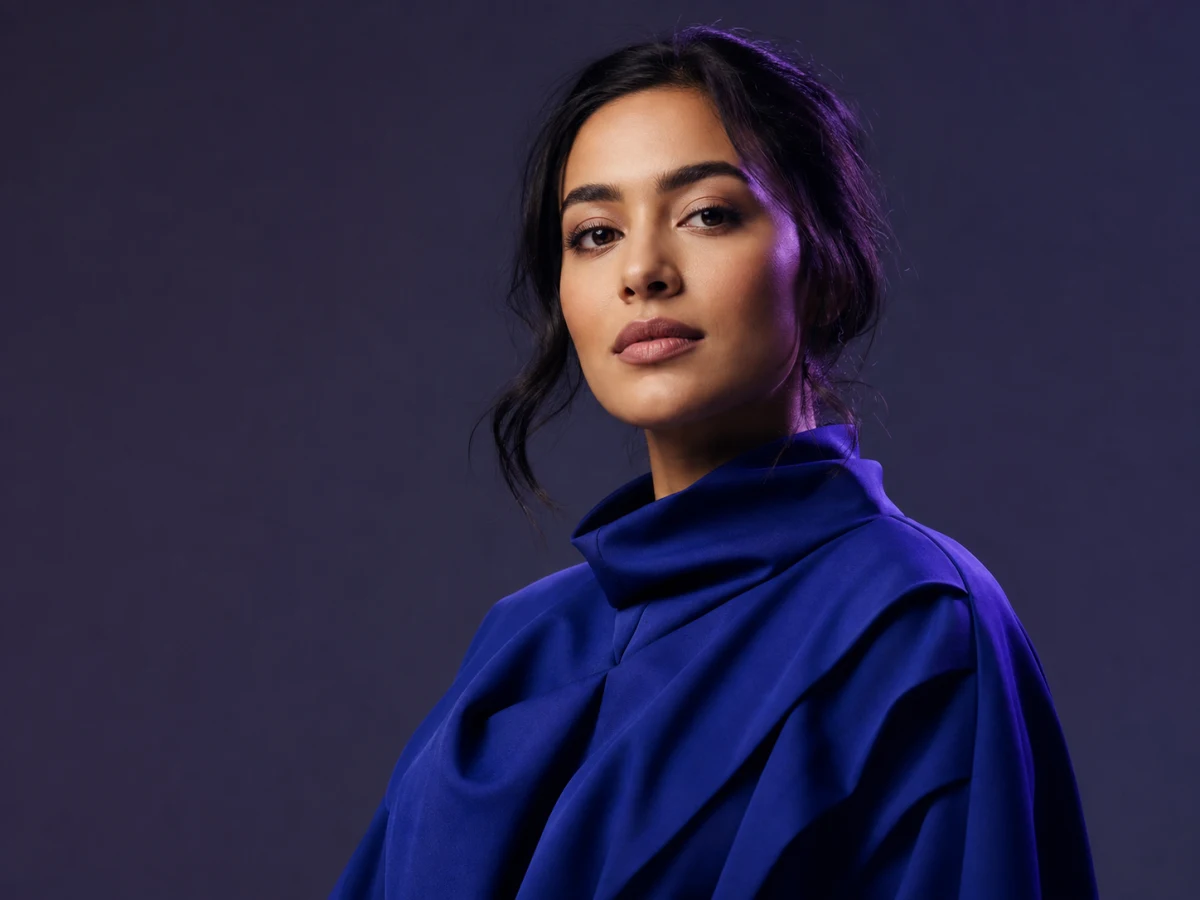
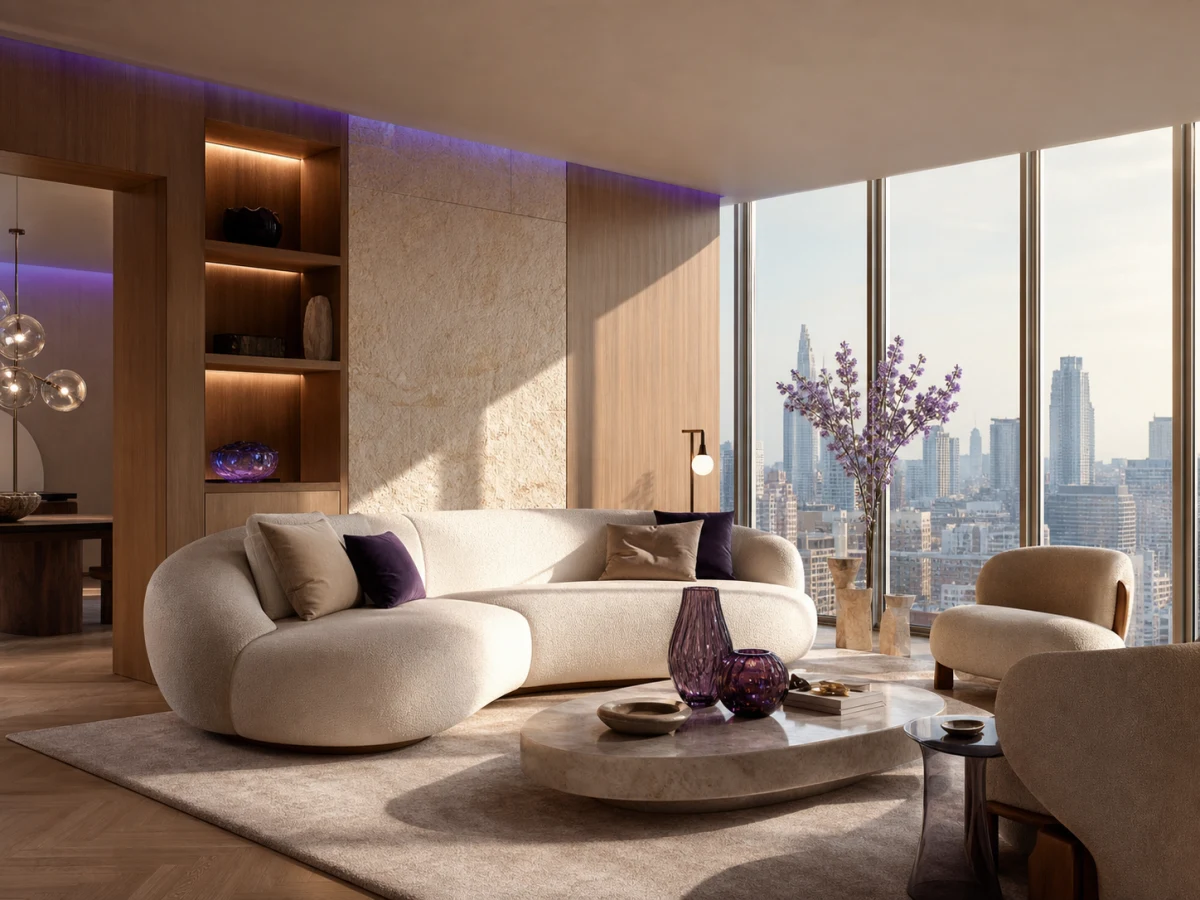
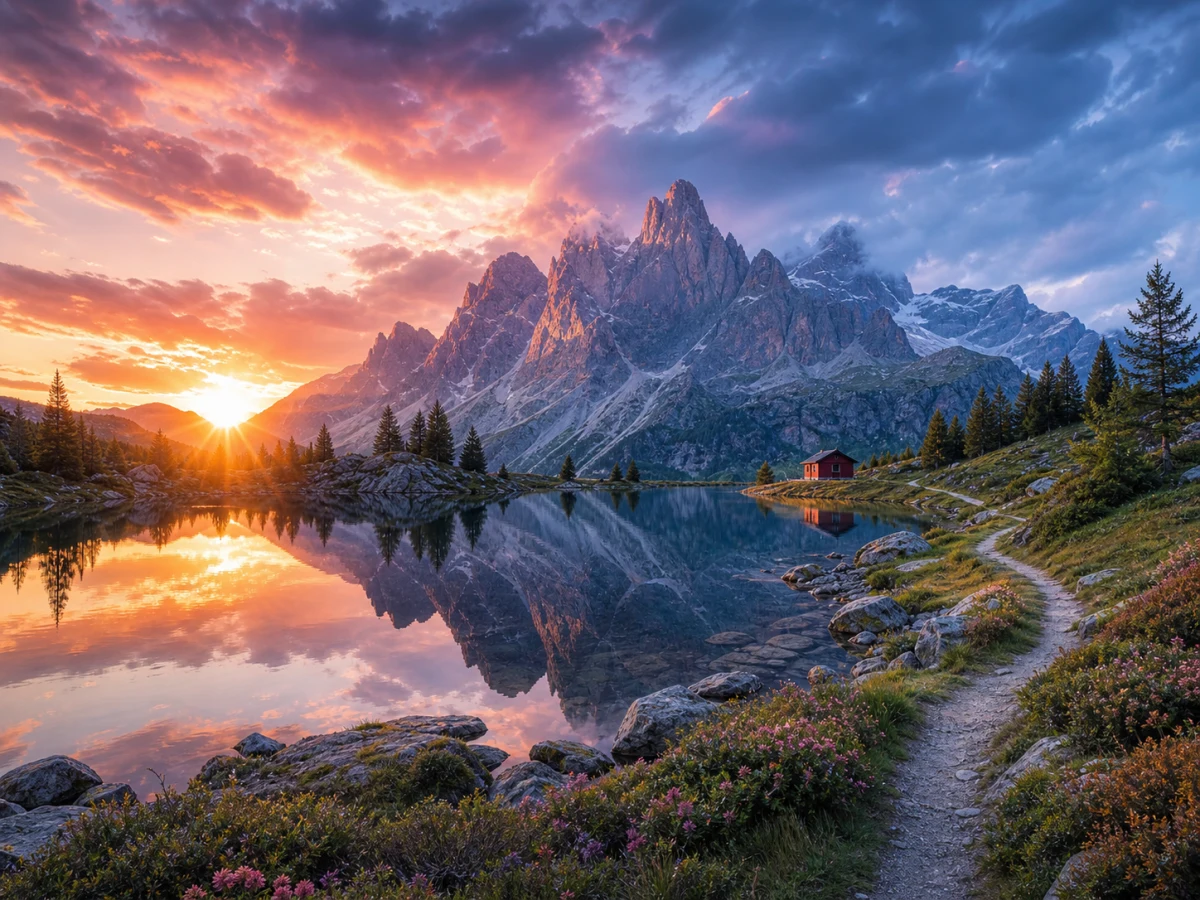
Write a prompt, add an optional reference, choose a model and ratio, then create image directions for portraits, products, posters, and social content.

Creation Input

Unified input area

115 / 1000
Upload up to 16 images0 / 16

Sample Images

01
02
03
04

Parameters

GPT Image 2

Aspect Ratio

2K/4K excludes 5:4, 4:5, 3:1, 1:3, and 9:21.Credits required: 0

Explore leading AI image models in one creative workspace

GPT Image 2Seedream 5.0 ProNano Banana 2Nano Banana 2 LiteFlux-2 ProFlux-2Qwen3 ProWan 2.7 Image ProGrok ImagineZ-imageIdeogram V3Imagen 4 UltraImagen 4 FastQwen Image Edit PlusTopaz Image UpscaleRecraft V3

Generate, edit, and restyle with current KIE Image Models including GPT Image 2, Seedream 5.0 Pro, Nano Banana 2, Flux-2 Pro, Qwen3 Pro, and more.

Why choose the AIVision AI image generator

Generate for free

Create multiple visual directions quickly from a single description.

Text and image modes

Create from text or guide the subject, composition, and style with reference images.

Controlled style and ratio

Choose the right frame and visual texture for commerce, posters, portraits, and social covers.

Built for real workflows

Continue editing, saving, organizing, and reusing generated results in the workspace.

Instant image generation and prompt inspiration

Venus lipstick livestream promo

Copy prompt and try

Deep sea saint transformation storyboard

Copy prompt and try

Viral Korean stadium moment

Copy prompt and try

Vintage camera portrait collage

Copy prompt and try

AI image generation for every profession

Designers and artists

From concept sketches and teaching illustrations to covers and product promotions, use simple prompts to create visual drafts you can review quickly.

Educators and researchers

From concept sketches and teaching illustrations to covers and product promotions, use simple prompts to create visual drafts you can review quickly.

Social media creators

From concept sketches and teaching illustrations to covers and product promotions, use simple prompts to create visual drafts you can review quickly.

E-commerce retailers

From concept sketches and teaching illustrations to covers and product promotions, use simple prompts to create visual drafts you can review quickly.

How to generate images with AIVision

  1. 1

    Upload images or enter a prompt

    Complete the input step by step, then refine, save, or manage results in the workspace.

  2. 2

    Choose model and aspect ratio

    Complete the input step by step, then refine, save, or manage results in the workspace.

  3. 3

    Preview and download results

    Complete the input step by step, then refine, save, or manage results in the workspace.

FAQ

Can I generate images without uploading a reference?

Yes. Switch to text-to-image and describe the subject, style, scene, and intended use.

Can generated results be used commercially?

Confirm the rights for source materials, models, and brand elements first. Generated images do not automatically clear third-party rights.

What prompt works best?

Describe the subject, camera, lighting, materials, ratio, and use case, then refine after the first result.

Create images from text and pictures for free

Move from product shots to social graphics quickly with editable visual results.

Generate