

Social media images
Identify AI-generated social content and reduce the spread of misinformation.
Home > Image Tools > AI Image Detection
Upload an image to detect AI-generation and AI-editing traces, with visual analysis of the regions the model focused on.
Results in seconds
AI heatmap and region analysis
Images are used only for this detection
The detector can analyze images generated or edited by these major AI image models.
OpenAI image models
Google image models
High-quality AI image generation
Open-source text-to-image models
Next-generation image generation
Creative image generation
Text-driven image generation
Microsoft image generation tool
Google image generation model
Generative adversarial network models
Use it at work, in education, or in daily life to assess whether an image was AI-generated.
Identify AI-generated social content and reduce the spread of misinformation.

Assess whether marketplace product images are authentic or AI-generated.

Identify AI-generated portraits and reduce identity fraud risks.

Check news imagery and reduce the impact of misinformation.

Analyze AI-generated artwork and understand its likely origin.
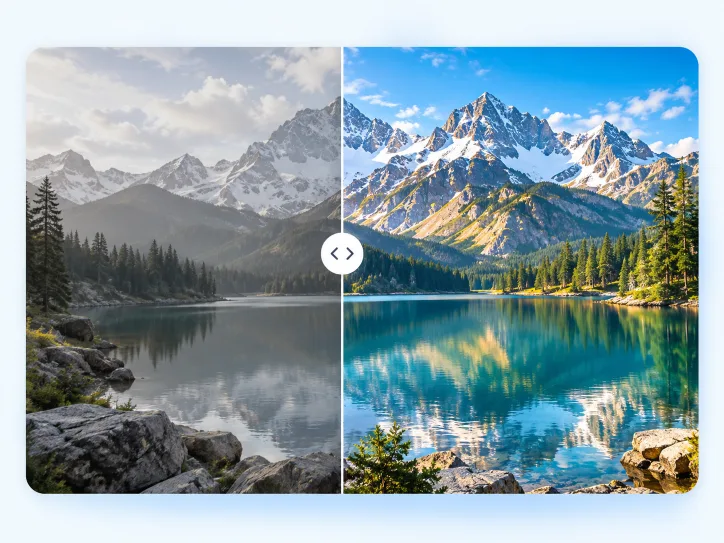
Identify images edited, enhanced, or partially modified with AI.
Get a comprehensive detection analysis in four simple steps.
Supports JPG, PNG, and WEBP up to 30 MB
Analyze texture, noise, structure, and other signals
Visualize regions that may contain AI-generation signals
Review regional attention and editing traces
Built for anyone who cares about image authenticity, from individuals to professionals.

Verify brand assets and create more trustworthy content.

Avoid misleading imagery and identify AI-generated online content.

Verify product imagery and reduce misleading claims and purchase risk.

Assess reference sources and protect the value of original work.

Verify news imagery and protect editorial credibility.

Compare AI-generation results and improve creative workflows.
AIVision provides multi-dimensional results to help you better understand image authenticity.
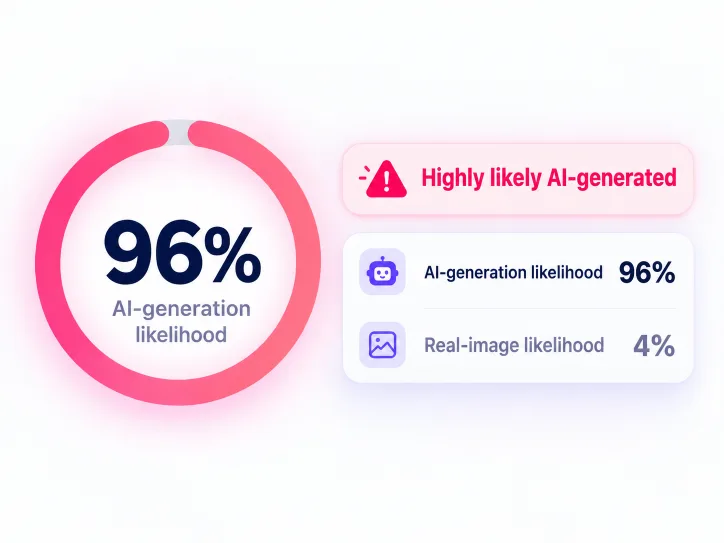
See the model's combined assessment as a clear probability.
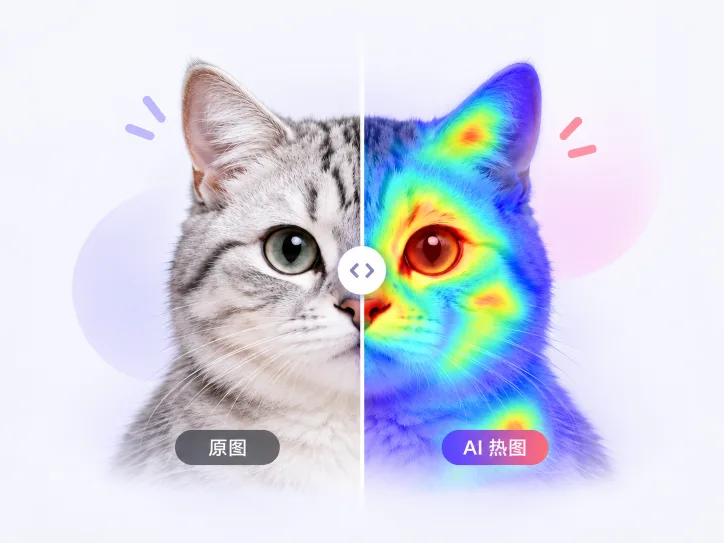
Use color to show areas receiving relatively more model attention.
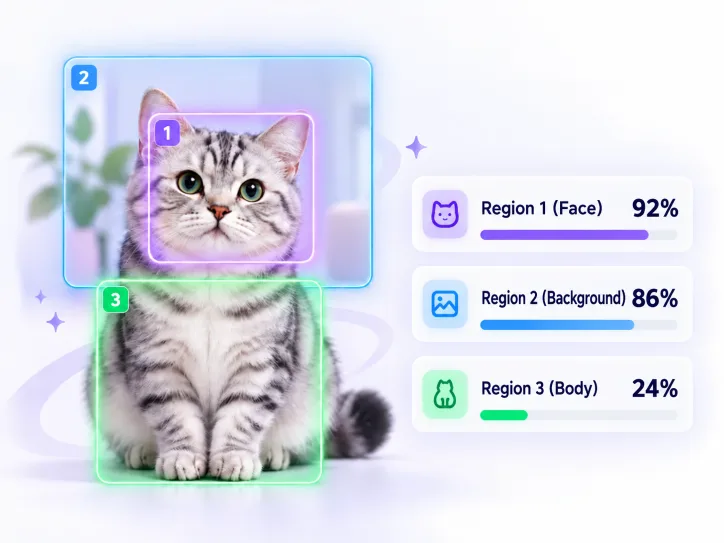
Analyze regions independently to locate suspicious content.
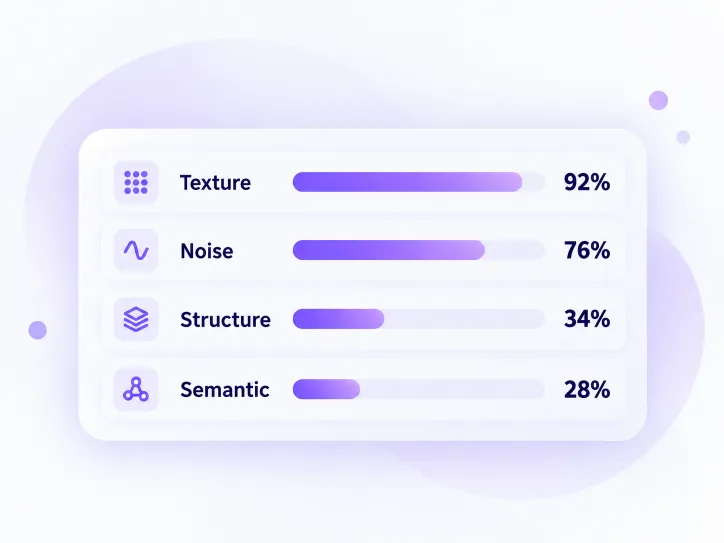
Review texture, noise, structure, and other signals.
The AI Image Detector evaluates visual features and model probabilities. Results are for reference and do not prove an image's origin. Compression, cropping, filters, screenshots, re-photographing, and transcoding can affect the result. AI models also keep evolving, so detection is not 100% accurate. Consider metadata, source context, and human review together.
The result is a probabilistic model assessment, not proof of origin. Compression, cropping, filters, and re-photographing can affect it.
It analyzes common visual traces from major generation models, but cannot guarantee detection of every version or post-processing method.
It can analyze common texture, noise, structure, and lighting signals and use a heatmap to explain the assessment.
Yes, but screenshots, compression, and transcoding remove pixels and metadata, which may reduce confidence.
Yes. Detection does not rely only on EXIF data; it also analyzes visual characteristics.
The heatmap shows regions of relative model attention; it does not prove those regions were generated or modified by AI.
Upload it now and let AIVision provide a fast, comprehensive analysis.